

Key Takeaways
- Smart home sensors and medical alert systems have become dramatically more affordable and easier to set up in 2026, making aging in place realistic for millions more older adults.
- Voice-activated assistants can now manage medications, detect falls, and call emergency services without requiring any smartphone or computer skills.
- Video doorbells and smart locks reduce vulnerability to in-person scams and home intrusions, which disproportionately affect adults over 60.
- The best aging-in-place tech works invisibly in the background — you shouldn't need to charge, update, or troubleshoot devices constantly to stay safe.
Why Aging in Place Is Now a Tech Conversation
According to AARP’s 2025 Home and Community Preferences Survey, roughly 77% of adults over 50 want to remain in their current home as they age. That number has held steady for years, but what’s changed dramatically is the technology available to make it happen safely. In my 12 years covering consumer tech, I’ve never seen a year where devices aimed at older adults improved as much as they did between 2025 and 2026.
The problem isn’t desire — it’s execution. Most homes weren’t designed for someone living alone at 78. Stairs get treacherous. Stove burners get forgotten. A fall in the bathroom at 2 a.m. can go unnoticed for hours. Technology doesn’t replace human care, but the right devices fill dangerous gaps between check-ins from family or caregivers.
If you’ve already started thinking about why most homes fail at supporting aging in place, the good news is that many of the solutions below cost less than a single month in an assisted living facility. Let’s walk through the seven categories of tech devices that make aging in place genuinely safer in 2026 — and which specific products deserve your attention.
1. Medical Alert Systems With Automatic Fall Detection
This is the single most important device category for anyone living alone over 65. Modern medical alert systems have evolved far beyond the “I’ve fallen and I can’t get up” buttons of the 1990s. Today’s best options use accelerometers, gyroscopes, and AI-driven algorithms to detect a fall automatically — even if you’re unconscious and can’t press anything.
What I see most often is families waiting until after a fall to investigate these systems. Don’t make that mistake. The Medical Guardian Mini and the Bay Alarm Medical SOS Smartwatch both earned top marks from Consumer Reports in early 2026 testing. Both offer GPS tracking outside the home, two-way voice communication, and 24/7 monitoring centers staffed by real people.
What to Look For
- Automatic fall detection — not just a manual button press
- No smartphone required — cellular connectivity should be built into the device
- Water resistance — falls happen most often in the bathroom
- Battery life of at least 3-5 days — daily charging is a deal-breaker for many older adults
- Monthly monitoring cost under $35 — beware of long-term contracts
Monthly fees for professionally monitored systems typically range from $20 to $45 in 2026. That’s less than most people spend on streaming subscriptions, and the peace of mind is immeasurable.
2. Smart Speakers and Displays as Command Centers
I often tell my readers that the Amazon Echo Show and Google Nest Hub are the most underrated aging-in-place devices on the market. They’re not marketed as medical devices, but in practice, they serve as the central nervous system of a safer home.
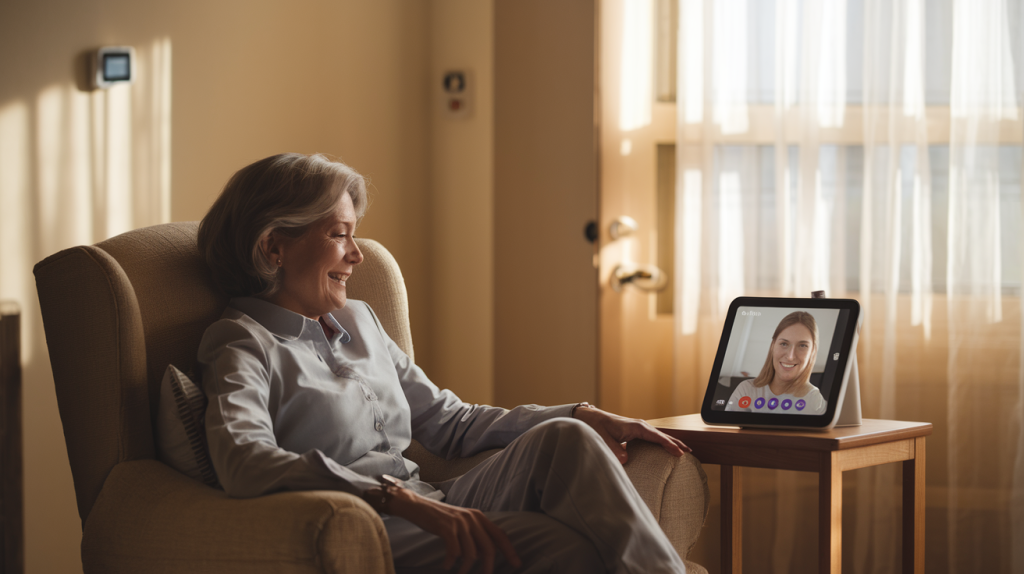
With a simple voice command — no swiping, no typing, no passwords — an older adult can set medication reminders, make hands-free phone calls, play calming music during anxious moments, check the weather before deciding whether to walk outside, or even video call a grandchild. Amazon’s “Alexa Together” subscription ($20/month) now includes an urgent response feature, activity alerts sent to a family member’s phone, and a fall detection add-on when paired with compatible wearables.
Why Voice-First Matters After 70
Touchscreen dexterity declines with age. Arthritis, neuropathy, and even mild vision loss can make smartphones frustrating. Voice interfaces bypass all of that. In my experience testing devices for older adults, the abandonment rate drops significantly when a device responds to natural speech rather than requiring precise finger taps.
One tip: set up the device with your loved one, not for them. Walk through five or six commands together. Write the most useful ones on an index card and tape it to the fridge. That simple step cuts the learning curve in half.
3. Smart Medication Dispensers
Medication non-adherence among adults over 65 contributes to roughly 125,000 deaths per year in the United States and accounts for up to 10% of all hospitalizations, according to data from the CDC. A smart pill dispenser won’t solve every compliance issue, but it addresses the most common one: simply forgetting.
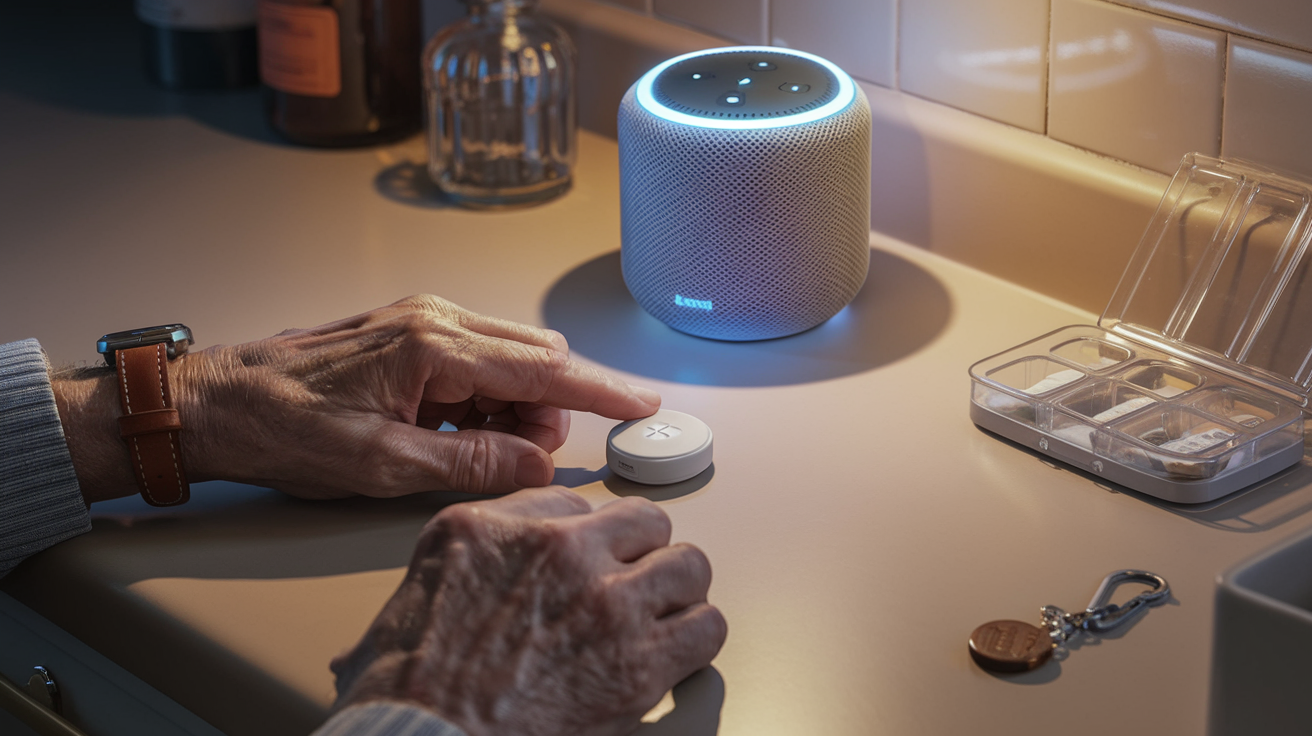
The Hero Health dispenser and the MedMinder Maya are two standout options in 2026. Both lock medications inside the device, dispense the correct pills at the correct time, sound audible alerts, and send notifications to a caregiver’s phone if a dose is missed. The Hero system even integrates with some pharmacy delivery services so refills arrive automatically.
- Hero Health: Holds up to 10 different medications, app-controlled, $30/month subscription
- MedMinder Maya: Simpler design with cellular connectivity (no Wi-Fi needed), visual and audible alerts, starts at $40/month
- Amazon Smart Sticky Note + Echo combo: Free/low-cost alternative for people on only 1-2 medications who just need voice reminders
If you’re also focused on the bigger picture of wellness as you age, pairing medication management with the lifestyle strategies in our guide to 6 pillars of healthy aging backed by 2026 data creates a much stronger safety net.
4. Video Doorbells and Smart Locks
Here’s a statistic that should alarm every family: the FBI’s Internet Crime Complaint Center reported that Americans over 60 lost $3.4 billion to fraud in 2023, and losses have only increased since. Many of those scams start with a knock on the door — someone claiming to be from the utility company, a roofing contractor, or even a fake government official.
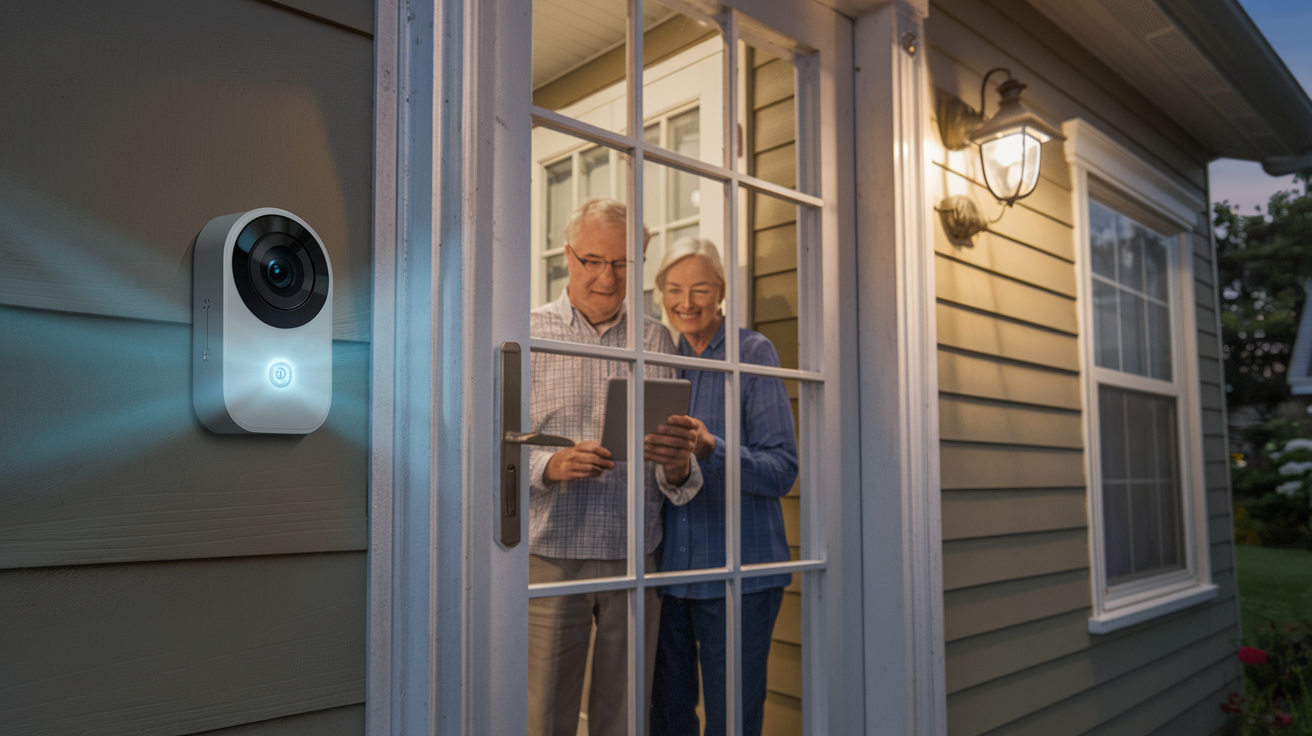
A video doorbell like the Ring Video Doorbell 4 or Google Nest Doorbell lets you see and speak to anyone at your door without opening it. You can do this from the doorbell’s built-in screen, a smart display inside your home, or a family member’s phone halfway across the country. Pair it with a smart lock like the August Wi-Fi Smart Lock, and you can let trusted visitors in remotely — a home health aide, for example — without hiding a key under the mat.
Protecting Against In-Person and Online Scams
Tech devices for aging in place aren’t just about preventing falls. They’re about preventing exploitation. If you want a deeper dive into the fraud landscape, we’ve covered how to protect your savings from scams targeting seniors in detail. The short version: never open the door to anyone you weren’t expecting, and let the camera be your first line of defense.
5. Smart Home Sensors (Motion, Water, Stove)
This is the category where aging-in-place technology gets quietly brilliant. Unlike a wearable you might forget to put on, environmental sensors work passively — mounted on walls, placed near appliances, or tucked under furniture. They don’t require any interaction from the person they’re protecting.
Systems like the Caregiver Smart Solutions Home Sensor Kit or Samsung SmartThings sensors can detect:
- Unusual inactivity — if the bathroom door hasn’t opened by 10 a.m., something may be wrong
- Water leaks — a running faucet or overflowing tub triggers an alert before flooding occurs
- Stove left on — smart stove-knob covers like iGuardStove automatically shut off gas or electric burners after a set time
- Door open/close patterns — wandering at night (especially relevant for early-stage dementia) sends an immediate notification to caregivers
- Temperature extremes — if the thermostat drops below 60°F or rises above 85°F, you get an alert
What I find powerful about these systems is their subtlety. They respect dignity. There’s no camera in the bedroom, no sense of surveillance. They simply watch for the absence of normal patterns and sound the alarm when something breaks routine.
6. Simplified Tablets and Smartphones for Staying Connected
Social isolation is as dangerous to health as smoking 15 cigarettes a day — that’s not hyperbole, that’s from a widely cited 2015 Brigham Young University meta-analysis that the National Institute on Aging continues to reference. Staying connected matters as much as any medical device.
The best tech devices for aging in place include communication tools that are genuinely easy to use. The GrandPad tablet, designed specifically for adults over 75, strips away app stores, software updates, and confusing settings. It arrives pre-loaded with video calling, photo sharing, and simple games. The Lively Jitterbug Smart4 phone offers a simplified Android interface with a large screen, an urgent response button, and no contracts required.
| Device | Type | Best For | Monthly Cost | Key Feature |
|---|---|---|---|---|
| GrandPad | Tablet | Adults 75+ with no tech experience | $40 (includes LTE data) | Pre-configured, no Wi-Fi needed |
| Lively Jitterbug Smart4 | Smartphone | Older adults who want a real phone with simple menus | $25+ (Lively plans) | Urgent response button, large text |
| Apple iPhone SE (2025) | Smartphone | Tech-comfortable seniors who want mainstream apps | Carrier-dependent | Accessibility Mode, fall detection with Apple Watch |
| Samsung Galaxy A16 5G | Smartphone | Budget-conscious users wanting a big screen | Carrier-dependent | Easy Mode, long battery life |
| Amazon Echo Show 8 | Smart Display | Video calling without any phone | $0 (after purchase) | Voice-only operation, no account needed for calls via Alexa |
Tom’s Guide publishes regularly updated rankings of the best phones for seniors, and their 2026 list closely mirrors what I’ve recommended above. The iPhone SE and Galaxy A-series consistently earn high marks for accessibility features built into the operating system itself.
7. Smart Smoke, CO, and Air Quality Monitors
Adults over 65 are more than twice as likely to die in a home fire than the general population, according to the National Fire Protection Association. Hearing loss — which affects roughly one-third of Americans between 65 and 74 — means traditional smoke alarms may not wake someone at night. That’s a terrifying gap.
The Google Nest Protect smoke and carbon monoxide detector addresses this with a voice alert that announces the specific danger and its location (“There is smoke in the kitchen”) rather than just beeping. It sends push notifications to your phone and to any family member’s phone connected to the account. The First Alert Onelink system offers similar smart features with Apple HomeKit integration.
Air Quality Adds Another Layer
Devices like the Airthings View Plus monitor indoor air quality including radon, humidity, and volatile organic compounds. For older adults with COPD, asthma, or heart conditions, poor air quality can trigger hospitalizations. A $200 monitor that alerts you when ventilation is needed is a fraction of the cost of an ER visit.
The Cybersecurity & Infrastructure Security Agency (CISA) also recommends ensuring that any smart home device connected to your network uses strong, unique passwords and has automatic firmware updates enabled — an important security step that protects the whole ecosystem of devices discussed in this article.
How to Get Started Without Getting Overwhelmed
If you’ve read this far and feel a bit overloaded, that’s completely normal. In my 12 years covering consumer technology, I’ve learned that the biggest barrier to adoption isn’t cost or complexity — it’s the feeling of “where do I even begin?”
Start with the one problem that worries you most. If it’s falling, get a medical alert device this week. If it’s forgetting medications, look at the Hero dispenser. If it’s loneliness, set up a smart display for video calls. You don’t need all seven categories at once. You need one device that solves one real problem — and the confidence that comes from using it successfully will naturally lead you to the next.
Involve Your Family — But Keep the Decision Yours
One dynamic I see repeatedly is adult children buying tech devices for aging parents without consulting them. This almost always backfires. The device ends up unplugged in a drawer. Instead, have an honest conversation about what concerns both generations share, then explore solutions together. Autonomy is the whole point of aging in place — the technology should reinforce independence, not take it away.
For a broader look at preparing your home beyond technology, our guide to 14 home modifications that keep you safe covers the physical changes — grab bars, lighting, flooring — that work hand-in-hand with these digital tools.
The Bottom Line on Tech Devices for Aging in Place
The tech devices for aging in place available in 2026 are more affordable, more reliable, and more respectful of independence than anything we’ve had before. A medical alert pendant, a smart speaker, a video doorbell, a few motion sensors, and a simplified phone or tablet — together, these cost a fraction of institutional care and let you stay exactly where you want to be: home.
The key is starting before you think you need to. Every device on this list is easier to learn when you’re healthy and motivated than when you’re recovering from an injury. Set up the safety net now, and it’ll be there the moment it matters.
Frequently Asked Questions
What is the best medical alert device for seniors living alone in 2026?
The Medical Guardian Mini and Bay Alarm Medical SOS Smartwatch are top-rated options in 2026, both offering automatic fall detection, GPS tracking, two-way voice communication, and 24/7 professional monitoring for under $35 per month with no smartphone required.
How much do tech devices for aging in place typically cost?
Costs vary by category, but a solid basic setup — medical alert system, smart speaker, video doorbell, and a few sensors — can be assembled for roughly $400 to $700 upfront plus $20 to $50 per month for monitoring subscriptions, which is significantly less than assisted living averaging $4,500 or more per month nationally.
Do you need Wi-Fi for aging-in-place technology to work?
Not always. Several key devices, including the GrandPad tablet, many medical alert systems, and the MedMinder Maya pill dispenser, use built-in cellular connections and work without home Wi-Fi. However, most smart home sensors, video doorbells, and smart speakers do require a Wi-Fi network to function properly.
About Alex Rivera, 12+ Years in Consumer Tech Reporting
Alex Rivera is a senior technology journalist with over 12 years of experience making technology accessible to everyday readers. He has covered consumer electronics, smartphones, smart home devices, streaming platforms, and digital privacy for major publications. At Daily Trends Now, Alex focuses on the tech that matters most to American adults — from choosing the right phone plan to protecting your data online. His reviews and guides cut through the jargon to help readers make confident technology decisions.