

The Night That Changed Everything for Margaret
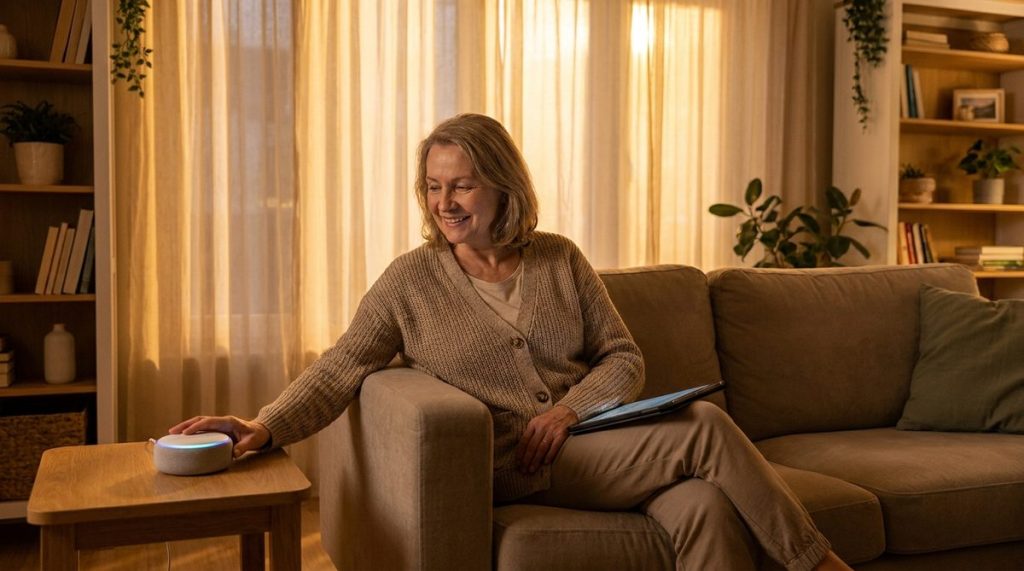
Margaret, a 72-year-old retired schoolteacher in suburban Ohio, woke up at 2:14 a.m. to a house that was pitch black. A storm had knocked out power in her neighborhood, and in the disorienting darkness, she stumbled on the hallway rug trying to reach the bathroom. She didn’t fall — not that night — but the near-miss shook her.
Her daughter, who lived three states away, had been gently suggesting smart home upgrades for months. Margaret had resisted. “I’m not a tech person,” she’d say. “I’ve lived in this house for 38 years without a robot telling me what to do.”
Consider a scenario like Margaret’s: a dark hallway prompts action. Within a month, motion-activated smart lights, a voice-controlled assistant, and a video doorbell transform the space. Six months later, the shift in perspective becomes clear—a common refrain from people in similar situations: “I don’t know why I waited so long. This isn’t about being old. It’s about being smart.” Smart home adoption isn’t a concession to age; it’s a practical choice for anyone seeking safety and control.
Over the past 14 years, aging in place technology has evolved from a niche curiosity into a practical, affordable lifeline — while scammers have evolved right alongside it. This article covers both: how to embrace the technology that lets you live independently, and how to do it without putting your privacy, your savings, or your peace of mind at risk.
Why Aging in Place Tech Is Surging — And Why That’s a Good Thing
The numbers are striking. According to AARP’s 2024 Tech Trends survey, 76% of adults over 50 now own a smartphone, up from just 53% in 2015. Tablet ownership among adults 70 and older has nearly tripled over the past decade. The idea that older Americans are tech-averse is, frankly, a myth that needs to retire.
What experts observe most often is not resistance to technology — it’s resistance to condescension. You don’t want to be talked down to. You want clear, honest guidance about what actually works, what’s worth the money, and what could go wrong.
Research from the University of Michigan’s National Poll on Healthy Aging found that adults who used smart home technology reported higher confidence in their ability to live independently. And a 2023 study published in the Journal of Medical Internet Research showed that older adults using health-monitoring wearables had 24% fewer emergency room visits than those who didn’t.
Those aren’t trivial numbers. They represent real people staying in their homes, maintaining their routines, and avoiding the institutional care that most Americans dread. If you’re thinking about aging in place but aren’t sure where to start, it helps to separate fact from costly fiction.
The Core Technologies That Actually Matter
Not every gadget deserves a place in your home. The best aging in place tech solves a specific problem you already have — or one you can clearly see coming. Here’s what’s genuinely useful, based on both research and real-world feedback.
Smart Lighting and Fall Prevention
Falls are the leading cause of injury-related death for Americans over 65, according to the CDC. More than one in four older adults falls each year, and most falls happen at home. Margaret’s near-miss isn’t unusual — it’s statistically predictable.
Motion-sensor smart lights, like those from Philips Hue or Wyze, can illuminate a path to the bathroom at 3 a.m. without requiring you to fumble for a switch. They can be set to dim automatically at bedtime and brighten gradually in the morning. They’re inexpensive — often under $15 per bulb — and they install in minutes.
- Motion-activated bulbs for hallways, stairs, and bathrooms
- Smart plugs that let you control lamps by voice or schedule
- Light strips under bed frames or along baseboards for nighttime navigation
This is one of those upgrades where the cost-to-benefit ratio is extraordinary. For under $100, you can meaningfully reduce your fall risk.
Voice Assistants: Your Hands-Free Hub
Amazon’s Alexa, Google Assistant, and Apple’s Siri have become surprisingly capable companions for older adults living alone. You can ask them to call your daughter, set medication reminders, read the news, check the weather before you head out, or control nearly every other smart device in your home.
The key insight that many people miss: a voice assistant isn’t just convenient — it’s an accessibility tool. If arthritis makes it difficult to tap small buttons on a phone, or if your vision isn’t what it used to be, speaking a command is genuinely easier. Consumer Reports has consistently rated the Amazon Echo Show and Google Nest Hub as the best smart displays for older adults, partly because their screens are large enough to be useful without reading glasses.
One essential step: set up voice purchasing controls or disable voice purchasing entirely. Cases exist where accidental — or scam-triggered — voice purchases added hundreds of dollars to someone’s account.
Medical Alert Systems and Health Monitors
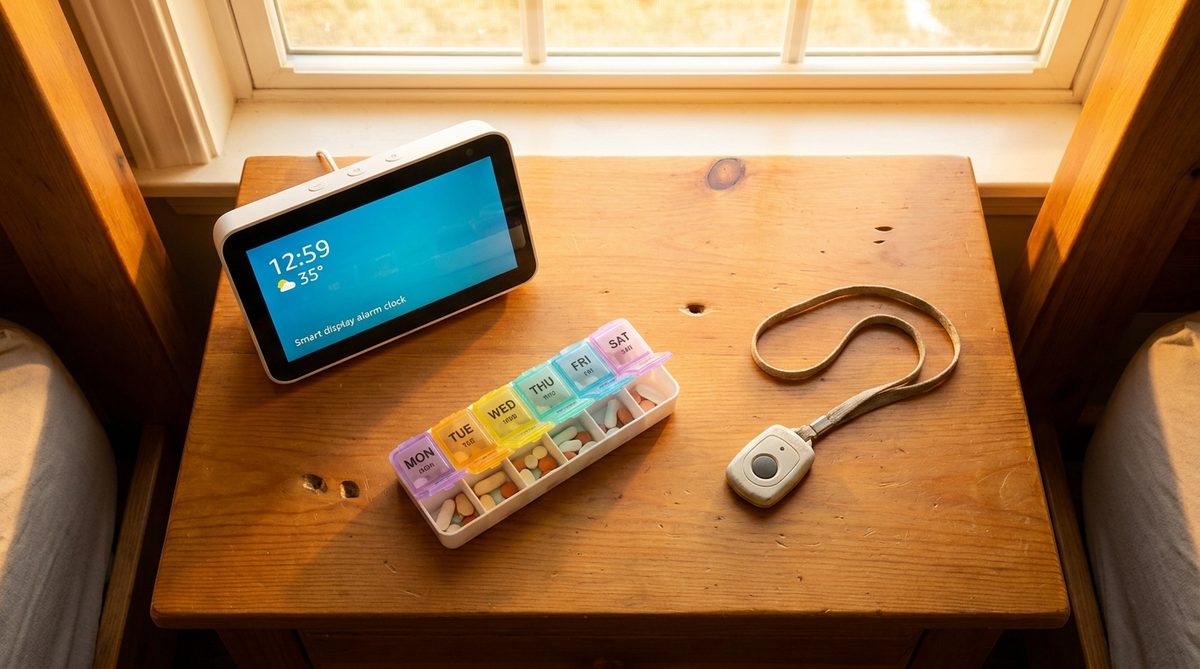
The medical alert pendant has come a long way from the “I’ve fallen and I can’t get up” era. Modern systems like Medical Guardian, Bay Alarm Medical, and the Apple Watch’s fall detection feature can automatically detect falls, contact emergency services, and share your GPS location — even if you’re unconscious.
Wearable health monitors have become remarkably sophisticated. The Apple Watch Series 10 and Samsung Galaxy Watch 7 can track heart rhythm irregularities, blood oxygen levels, and sleep patterns. Several clinical studies have confirmed that the Apple Watch’s AFib detection has a sensitivity rate above 98%, catching irregular heart rhythms that people didn’t know they had.
These aren’t toys. They’re medical-grade sensors sitting on your wrist. If you’re building a broader plan for healthy, independent living, these devices fit naturally into what experts call the pillars of an age-defying lifestyle.
Smart Locks and Video Doorbells
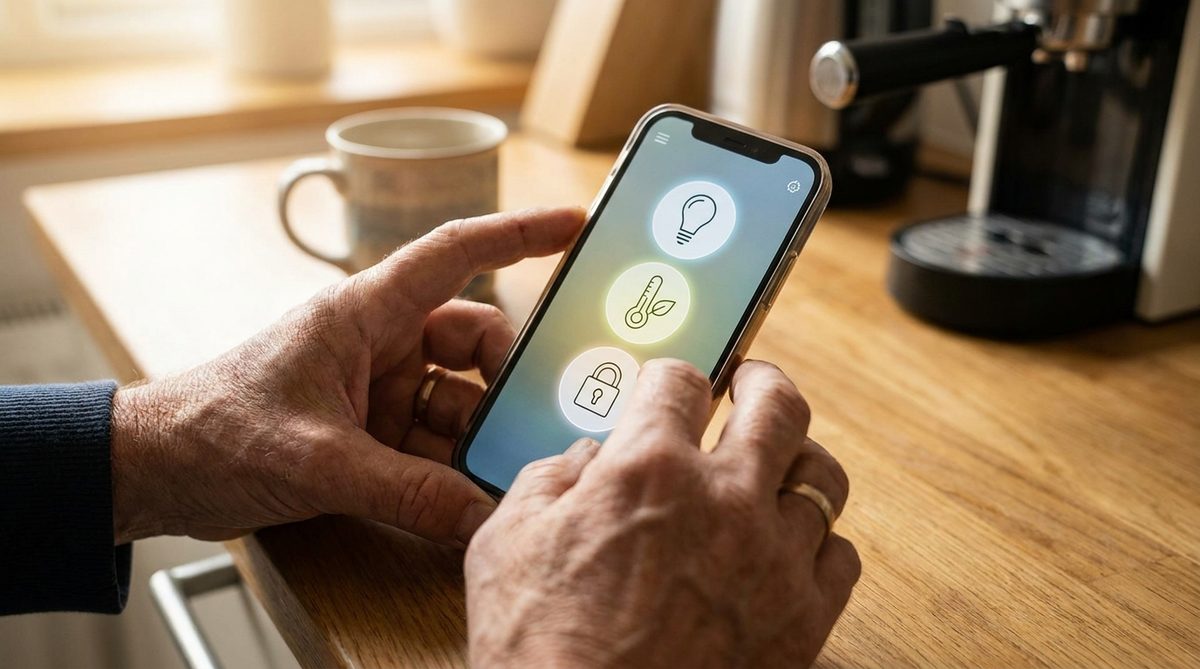
A smart lock means you never have to worry about losing your keys or getting locked out. You can let in a home health aide, a trusted neighbor, or a family member remotely. Video doorbells like Ring or Google Nest let you see and speak with anyone at your door from your phone — or from your bed.
From a security standpoint, these devices are excellent. But they do require proper setup, which brings us to a critical part of this conversation.
The Security Side: Protecting Yourself While Connecting Your Home
Here’s where cybersecurity considerations become essential, because the same connectivity that makes aging in place tech so empowering also creates real vulnerabilities. And scammers know it.
The FBI’s Internet Crime Complaint Center reported that in 2023, Americans over 60 lost more than $3.4 billion to online fraud — a 14% increase over the previous year. That figure is almost certainly an undercount, because shame and embarrassment keep many victims from reporting.
Being scammed is not a sign of stupidity or decline. Retired engineers, former CEOs, and even retired judges have fallen for sophisticated fraud schemes. These criminals are professionals. They study human psychology. They exploit trust, urgency, and isolation — not intelligence.
For a deeper look at the specific scams circulating right now, consider reading about the 8 online scams currently targeting older adults and how to stop them.
Securing Your Smart Home Network
Every smart device you add to your home connects through your Wi-Fi network. If that network isn’t secure, every device on it is vulnerable. Think of your Wi-Fi router as the front door to your digital house.
- Change your router’s default password immediately — the factory password is often publicly known
- Use WPA3 encryption if your router supports it (WPA2 at minimum)
- Create a separate “guest” network for your smart home devices, keeping them isolated from the computer where you do banking
- Update your router’s firmware regularly — manufacturers patch security holes through these updates
- If your router is more than five years old, consider replacing it with a modern mesh system that receives automatic security updates
CISA, the federal Cybersecurity and Infrastructure Security Agency, publishes free guides for home network security written in plain English. Bookmark their site for reference.
Device-Level Privacy Settings You Shouldn’t Skip
When you set up a voice assistant, it will ask for permissions. It wants access to your contacts, your location, your calendar, and sometimes your purchasing history. The recommendation: give it only what it needs for the features you actually use.
If you use Alexa solely for medication reminders and weather updates, it doesn’t need access to your Amazon purchase history or your contact list. If your video doorbell records footage, make sure that footage is encrypted and that you know where it’s stored — and who can access it.
Every few months, do a privacy audit. Go into your device’s app, review what data has been collected, and delete what you don’t need. Both Amazon and Google allow you to review and delete your voice history. This practice should be routine regardless of expertise level.
The Scam Calls That Sound Like Tech Support
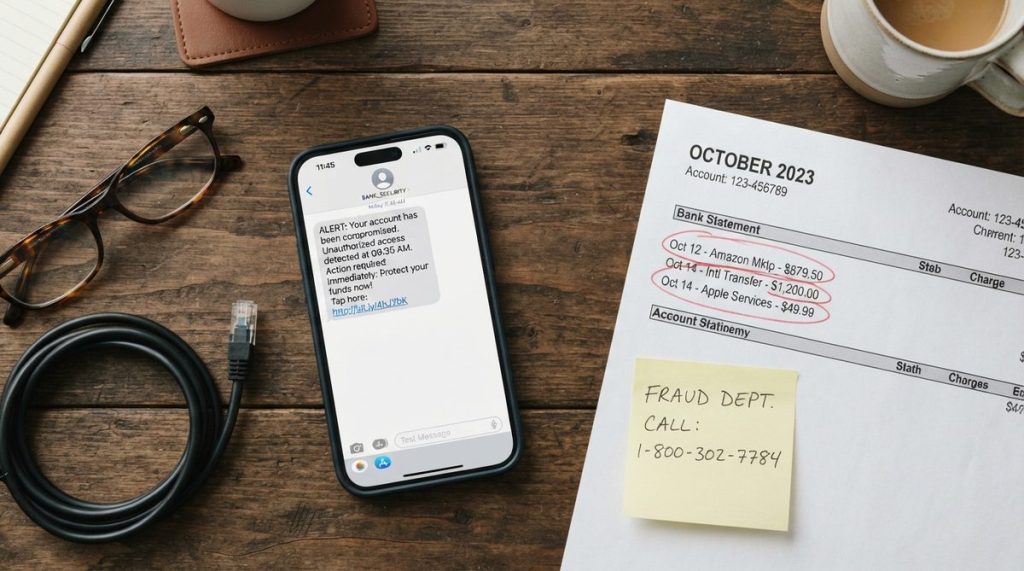
One of the fastest-growing scams targeting older adults with smart home technology is the fake tech support call. Here’s how it works: you get a call, text, or pop-up message saying your device has been “compromised” or your account is “at risk.” The caller sounds professional, maybe even uses your name. They ask you to grant remote access to your computer or phone, or they direct you to a website to “verify” your identity.
Once they have access, they can steal passwords, install monitoring software, or drain bank accounts. The FTC reports that tech support scams cost Americans over 60 more than $900 million in 2023 alone.
The rule is simple and absolute: no legitimate company — not Apple, not Amazon, not Google, not Microsoft — will ever call you unsolicited to fix a problem. If someone calls claiming your device is compromised, hang up. Then independently look up the company’s real customer service number and call them yourself if you’re concerned.
Making It Work: Practical Advice for Getting Started
Too many people buy a bundle of smart devices, get frustrated during setup, and shove everything in a closet. That’s a waste of money and a missed opportunity. Here’s how to avoid that.
Start With One Problem, Not One Product
Don’t walk into Best Buy and ask what’s popular. Instead, sit down with a piece of paper and write down the one thing that worries you most about staying in your home. Is it falling at night? Forgetting medication? Not knowing who’s at the door? Feeling isolated?
That one worry is your starting point. Solve it first. Get comfortable with that solution. Then add the next thing. Margaret started with smart lights. Three months later, she added Alexa. Two months after that, a video doorbell. Each step built her confidence.
Ask for Help — But the Right Kind
If you have a tech-savvy family member, wonderful. But make sure they set things up with you, not for you. You need to understand how to use the device, how to troubleshoot basic issues, and how to adjust settings yourself. If your grandchild zips through the setup in four minutes without explaining anything, you’ll be helpless the first time something glitches.
Many public libraries now offer free technology classes for older adults. AARP hosts regular online workshops. Some senior centers have partnered with local community colleges for one-on-one tech tutoring. These resources exist — use them.
Budget Realistically
You don’t need to spend thousands. A meaningful aging in place tech setup can cost under $300:
- Smart speaker with screen: $50–$90
- Motion-sensor smart bulbs (4-pack): $25–$40
- Video doorbell: $50–$100
- Smart plug (2-pack): $15–$25
- Medical alert subscription: $20–$50/month
These are real prices from major retailers as of early 2025. You do not need the most expensive option in any category. Tom’s Guide publishes regularly updated comparison reviews that are honest about which budget devices actually perform well.
The Bigger Picture: Technology as a Bridge, Not a Replacement
This bears repeating: aging in place tech is a tool. It is not a substitute for human connection, community, or a thoughtful plan for the years ahead. A smart speaker can remind you to take your blood pressure medication, but it can’t sit across from you at dinner. A video doorbell can show you who’s outside, but it can’t replace the neighbor who checks in because they care.
The best outcomes come from people who use technology as a bridge. It bridges the gap between doctor visits. It bridges the distance between you and your family. It bridges the time between now and when you might need more support.
Margaret, a retired teacher from Ohio, captured an insight worth considering. “The smart lights didn’t just make my hallway safer,” she explained. “They made me feel like I was doing something about my future instead of just worrying about it.” This speaks to a deeper benefit: smart home technology can shift your mindset from passive concern to active management of your living space and safety.
That shift — from worry to action — is what this technology can offer at its best. And with the right security practices in place, you can embrace it confidently. Your home is yours. The goal is to keep it that way, safely and on your terms, for as long as possible.





One Response