

The Dangerous Gap Between What You Think Keeps You Safe and What Actually Does
In my 14 years working in cybersecurity research and digital privacy, I’ve noticed something that genuinely worries me: the people who believe they’re “too smart to get scammed” are often the most vulnerable. And many of the safety rules they follow are either outdated, incomplete, or flat-out wrong.
According to the Federal Trade Commission, Americans over 60 reported losing more than $3.4 billion to fraud in 2023 alone — a 11% increase from the prior year. The FBI’s Internet Crime Complaint Center reported that older adults suffered the highest per-person losses of any age group, with an average loss exceeding $33,000 per victim.
Here’s what troubles me most: the technology itself isn’t the problem. The myths people carry about how technology works — and how criminals exploit it — are what create the real danger. Let me walk you through seven of the most persistent tech safety myths I encounter, explain why they’re wrong, and share what actually works.
Myth 1: “I Don’t Click Suspicious Links, So I’m Safe”
This is the single most common thing I hear from adults over 50 when I ask about their online safety habits. And while avoiding suspicious links is a good instinct, it creates a false sense of total security.
Modern scams have evolved far beyond the obvious “Click here to claim your prize!” emails. In 2024, the most successful phishing attacks use messages that look identical to communications from Medicare, Social Security, Amazon, or your bank. They replicate logos, formatting, and even sender addresses with alarming precision.
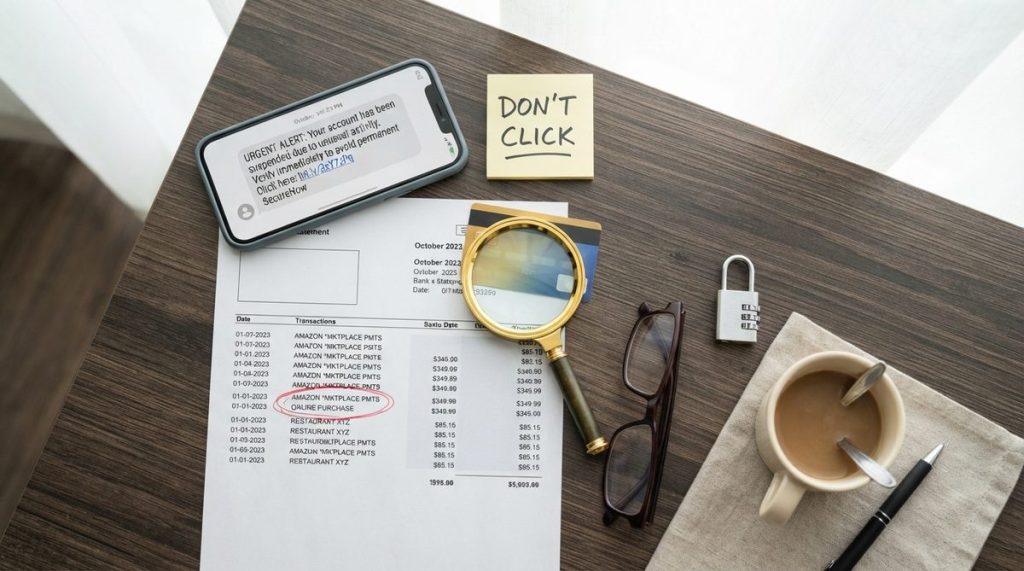
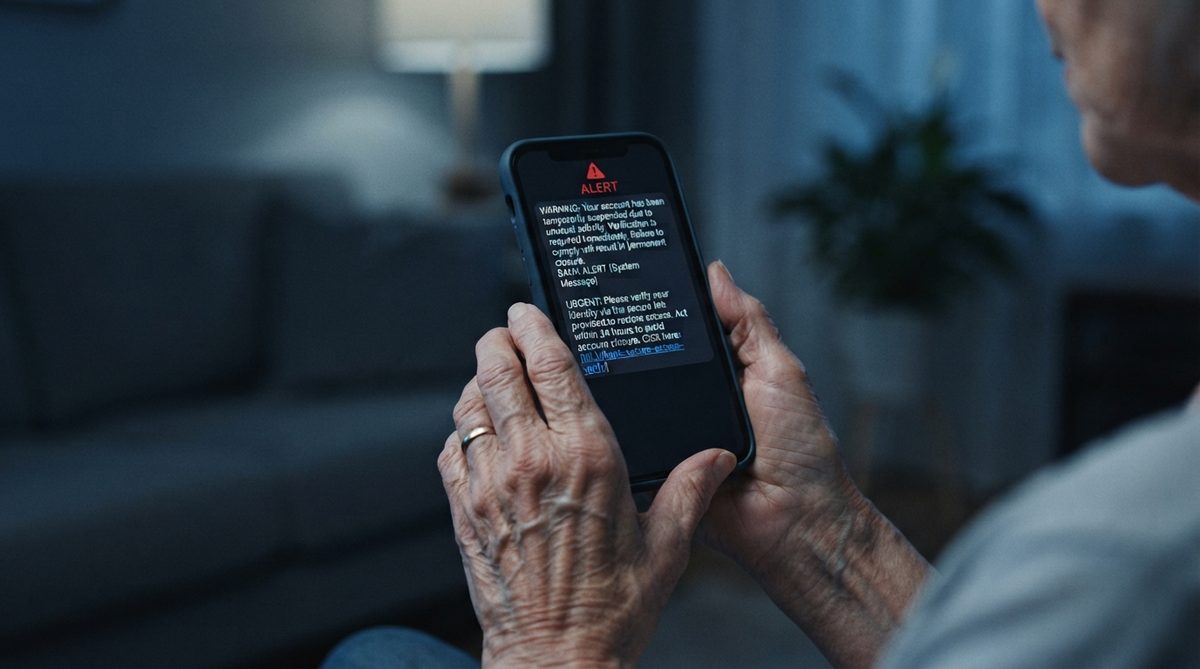
What I see most often is something called “smishing” — phishing via text message. You receive a text that says your package delivery failed, or there’s suspicious activity on your bank account. The link looks legitimate. The landing page looks legitimate. But it’s a carefully crafted trap designed to harvest your login credentials or install malware on your device.
“The most dangerous scam isn’t the one that looks suspicious — it’s the one that looks exactly like something you’d expect to receive on a normal Tuesday afternoon.”
What Actually Protects You
Never click links in text messages or emails to access your accounts — even if the message looks real. Instead, open your browser and type the company’s web address directly, or use their official app. This one habit alone eliminates the majority of phishing attacks. For a deeper look at modern scam tactics, check out this comprehensive defense guide on online scams targeting older adults.
Myth 2: “My Password Is Strong Enough Because It Has Numbers and Symbols”
I’ve reviewed thousands of compromised accounts in my career, and I can tell you that “Fluffy#2019” is not a strong password — even though it technically contains uppercase letters, numbers, and a symbol. Password-cracking software can break an 8-character password with mixed characters in under an hour using modern hardware.
The outdated advice to “use a mix of uppercase, lowercase, numbers, and symbols” came from a 2003 government publication. The original author, Bill Burr, publicly admitted in 2017 that his advice was largely wrong and led people to create passwords that were hard for humans to remember but easy for computers to crack.
What Actually Protects You
Length beats complexity every time. A passphrase like “PurpleTrucksDanceOnSaturday” is exponentially harder to crack than “P@ssw0rd!” — and far easier to remember. The National Institute of Standards and Technology (NIST) now recommends passphrases of 16 characters or more.
Even better, use a password manager. Programs like Bitwarden (free) or 1Password create and store unique, long passwords for every account. You only need to remember one master passphrase. I recommend this to every client over 50 — it actually makes your digital life simpler, not more complicated.
Myth 3: “If a Call Shows My Bank’s Name on Caller ID, It’s Really Them”
Caller ID spoofing is trivially easy for criminals. For less than $5 using widely available software, a scammer can make any phone number and any name appear on your caller ID screen. This means that call “from Chase Bank” or “from the Social Security Administration” may be coming from a criminal’s laptop in another country.
The FTC reported that phone scams remain the number one contact method for fraud targeting older adults. In 2023, impersonation scams — where criminals pretend to be from government agencies, banks, or tech companies — accounted for over $1.1 billion in reported losses across all age groups.
What Actually Protects You
Adopt a simple rule: never trust inbound calls requesting personal information or urgent action. If someone claims to be from your bank, hang up politely and call the number on the back of your debit card. Real institutions will never be offended by this — in fact, they encourage it. The Cybersecurity & Infrastructure Security Agency (CISA) specifically recommends this “hang up and call back” strategy for all Americans.
Myth 4: “Antivirus Software Makes My Computer Completely Secure”
This myth dates back to the 1990s and early 2000s, when viruses were the primary digital threat. Today’s threat landscape looks nothing like that era. Antivirus software is still useful — I run it on all my devices — but it catches only a fraction of modern threats.
A 2024 report from AV-TEST Institute found that even the best antivirus programs detect about 97-99% of known malware. That sounds impressive until you consider that over 450,000 new malicious programs are registered every single day. That 1-3% gap represents thousands of threats slipping through.
More importantly, most modern attacks don’t rely on traditional malware at all. Social engineering — manipulating you psychologically rather than technically — accounts for an estimated 98% of cyberattacks, according to research from Proofpoint. No antivirus program can protect you from voluntarily giving someone your information over the phone.
What Actually Protects You
Think of antivirus as one layer in a multi-layer defense. Equally important: keeping your operating system and apps updated (those updates patch security holes), using two-factor authentication on every account that offers it, and maintaining healthy skepticism about unsolicited contacts. I’ll explain the update myth in more detail next.
Myth 5: “Those Update Notifications Are Annoying and Can Wait”
I understand the frustration — you’re in the middle of something, and your phone or computer nags you to restart for an update. It’s tempting to hit “Remind Me Later” indefinitely. But delaying updates is one of the riskiest tech habits I encounter.
Software updates aren’t primarily about new features. The majority of updates for your iPhone, Android phone, Windows PC, or Mac are security patches — fixes for vulnerabilities that hackers have already discovered and are actively exploiting. When Apple or Google releases an urgent update, it often means criminals are already using that exact weakness to break into devices.
In March 2024, Apple released an emergency patch for a vulnerability that was being used to install spyware on iPhones. Every day that passed between the patch release and when users actually installed it was a day their devices remained exposed. Tom’s Guide reported that millions of users waited over two weeks to install that critical fix.
What Actually Protects You
Turn on automatic updates for your operating system, your apps, and your browser. On iPhone, go to Settings > General > Software Update > Automatic Updates and toggle everything on. On Android, go to Settings > System > Software Update and enable auto-updates. This single change eliminates one of the most common entry points for hackers.
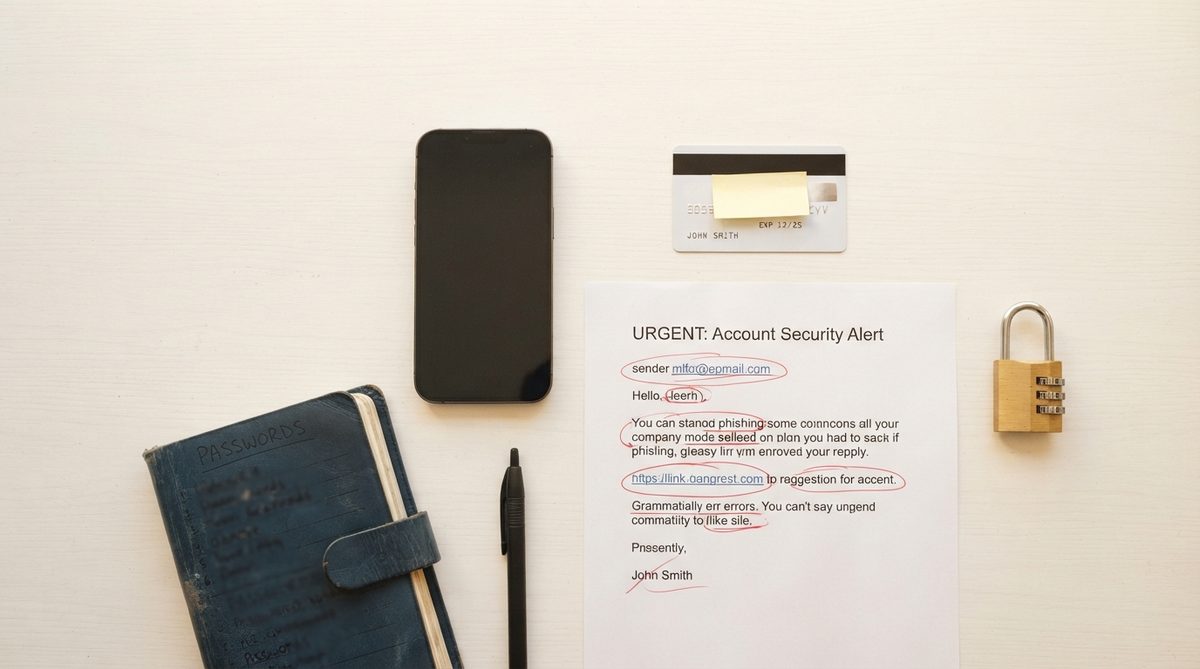
Myth 6: “Public Wi-Fi Is Fine as Long as I Don’t Do Banking”
Many people I advise believe that public Wi-Fi is dangerous only for financial transactions. They’ll check email, log into social media, and browse medical portals at the coffee shop — saving only banking for home. This is a dangerously narrow understanding of the risk.
When you log into your email on an unsecured network, you’re potentially exposing the master key to your entire digital life. Think about it: your email is where password reset links arrive. A criminal who intercepts your email login can then reset passwords for your bank, your investment accounts, your Social Security portal, and your health insurance — all without touching your “banking” directly.
Your medical information is also extremely valuable on the black market. According to the Ponemon Institute, stolen health records sell for up to $250 each on the dark web — compared to $5 for a stolen credit card number. With healthcare costs being a major concern for retirees — and with retirement savings depleting faster than expected — the last thing anyone needs is medical identity theft adding fraudulent bills to their name.
“Your email inbox isn’t just messages — it’s the gateway to every account you own. Protecting it deserves the same vigilance you give your bank account.”
What Actually Protects You
Use your phone’s cellular data connection instead of public Wi-Fi whenever you’re logging into any account. If you must use public Wi-Fi, invest in a reputable VPN (Virtual Private Network) — services like Mullvad or ProtonVPN cost around $5-10/month and encrypt everything you do online, making it unreadable to anyone else on the network. Consumer Reports regularly reviews and rates VPN services for ease of use and reliability.
Myth 7: “Scammers Only Target People Who Aren’t Tech-Savvy”
This might be the most dangerous myth of all because it breeds complacency. I’ve consulted on cases involving retired engineers, former IT professionals, and even a university professor who studied decision-making. Intelligence and education do not make you immune.
Modern scams succeed because they exploit emotions — urgency, fear, love, and the desire to help — not ignorance. The “grandparent scam,” where someone calls pretending to be a grandchild in trouble, works precisely because caring, engaged grandparents respond to emotional distress. AI-generated voice cloning has made these calls terrifyingly convincing; criminals now need only a few seconds of someone’s voice from social media to create a passable imitation.
FBI data from 2023 showed that adults aged 60+ with college degrees reported fraud at rates comparable to those without degrees. The difference wasn’t education level — it was whether the person had been exposed to specific awareness training about current scam methods.
What Actually Protects You
Establish a family code word — a specific, unusual word that your children and grandchildren know. If anyone calls claiming to be family and asking for money, ask for the code word. No code word, no action. This simple technique stops most impersonation scams cold, regardless of how sophisticated the voice technology behind them might be.
Your 7-Step Security Reset: What to Do This Weekend
I often tell my readers that knowledge without action is just anxiety fuel. So here’s a concrete action plan you can work through over a single weekend to dramatically improve your security posture:
- Turn on automatic updates on your phone, tablet, and computer. Check all three devices today — it takes about two minutes each.
- Install a password manager (Bitwarden is free and well-reviewed). Start by saving your five most important account passwords, then add more over time.
- Enable two-factor authentication on your email, bank, and Social Security accounts. Most services walk you through this in settings under “Security.”
- Create a family code word and share it with your children and grandchildren. Choose something memorable but unusual — not a pet’s name or birthday.
- Adopt the “hang up and call back” rule for any inbound call requesting personal information or money, regardless of what the caller ID shows.
- Stop clicking links in text messages. Navigate directly to websites by typing the address or using bookmarks and official apps.
- Review your accounts for unauthorized activity. Log into your bank, credit card, and email accounts directly and check recent activity and login history.
These seven steps address the real vulnerabilities — not the imaginary ones that outdated advice focuses on.
Staying Safe Without Staying Scared
I want to be clear about something: technology is overwhelmingly positive for people over 50. Research from the National Institutes of Health shows that regular technology use among older adults is associated with better cognitive health, reduced isolation, and greater independence. Smartphone-based brain health programs have shown measurable benefits for seniors at higher risk of cognitive decline. And exploring hobbies that boost brain and body health — many of which involve technology — can add real quality to your years.
The goal isn’t to make you afraid of your devices. The goal is to replace myths with facts, so you can use technology confidently and securely. In my experience, the seniors who are most secure online aren’t the ones who avoid technology — they’re the ones who learned a handful of real protective habits and practice them consistently.
You don’t need to become a cybersecurity expert. You just need to stop believing the seven myths I’ve outlined above and start following the straightforward steps that actually work. That shift alone — from outdated assumptions to current, evidence-based practices — is worth more than any antivirus subscription money can buy.
Frequently Asked Questions
What is the single most important thing I can do to protect myself from online scams?
Enable two-factor authentication (also called 2FA or multi-factor authentication) on your email account first, then your bank and financial accounts. Even if a scammer obtains your password, 2FA requires a second verification step — usually a code sent to your phone — making it dramatically harder to break into your accounts. According to Microsoft, 2FA blocks over 99.9% of automated account compromise attacks.
Are iPhones safer than Android phones for older adults?
Both platforms are secure when kept updated. iPhones receive security updates for 6-7 years, and Apple controls both hardware and software, which can reduce certain vulnerabilities. Android security varies by manufacturer, but Google Pixel phones receive updates for seven years. The most important factor isn't which phone you buy — it's whether you install updates promptly and avoid sideloading apps from outside the official app store.
Should I use my fingerprint or face to unlock my phone, or is a PIN safer?
Biometric options like fingerprint and Face ID are both convenient and secure for everyday use. They're generally safer than a 4-digit PIN because they can't be guessed or observed over your shoulder. For maximum security, use biometrics combined with a 6-digit or longer alphanumeric passcode as your backup. Avoid using common PINs like 1234, 0000, or your birth year, which are the first combinations criminals try.
About Dr. Priya Sharma, PhD in Computer Science, CISSP
Dr. Priya Sharma is a cybersecurity expert with a PhD in Computer Science and a Certified Information Systems Security Professional (CISSP) credential. She has spent 14 years researching digital privacy, online fraud, and data protection — with a particular focus on the risks facing older internet users. At Daily Trends Now, Dr. Sharma writes about online scams, password security, smartphone privacy, and the practical steps readers can take to stay safe in an increasingly connected world.