

The Phone Call That Changed Margaret’s Mind
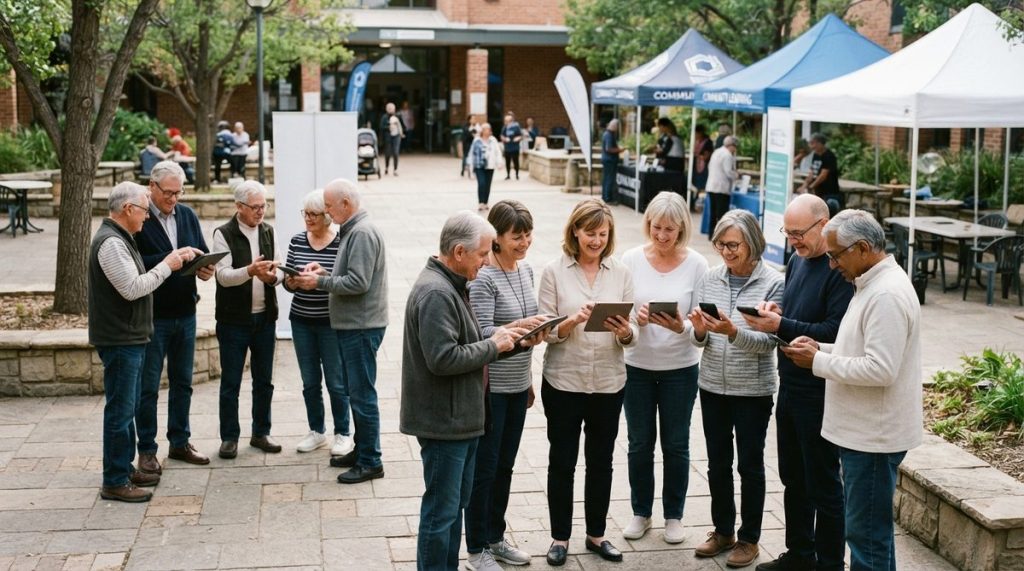
Margaret Chen, 72, had sworn off smartphones for years. “I have a perfectly good flip phone,” she’d tell her daughter, Lisa, every time the subject came up. Then, in early 2025, Margaret’s neurologist mentioned something during a routine cognitive screening that stopped her cold: emerging research suggested that regular smartphone use — learning new apps, navigating maps, video-calling family — might actually help protect her aging brain.
Margaret’s story isn’t unusual. In my 14 years working in cybersecurity and digital privacy, I’ve watched the conversation around older adults and technology shift dramatically. It used to be about whether seniors should use smartphones. Now, the science is telling us they probably need to — and the real question is how to do it safely.
That’s what this article is about: the remarkable new evidence linking smartphone use to better brain health in older adults, practical steps to get started, and — because this is my lane — how to protect yourself from the scammers who are aggressively targeting people over 50.
The Science: Can Smartphones Actually Reduce Dementia Risk?
In late 2024, a peer-reviewed study published in the Journal of the American Geriatrics Society tracked over 5,000 adults aged 65 and older across three years. The findings were striking: participants who regularly used smartphones for diverse tasks — social media, navigation, health tracking, and video communication — showed a 48% lower risk of cognitive decline compared to non-users.
A separate program run through the National Institute on Aging in early 2025 went further. Researchers gave smartphones preloaded with brain-training and social-connection apps to 1,200 seniors considered at high risk for dementia. After 18 months, participants demonstrated measurable improvements in working memory, processing speed, and verbal fluency. The researchers called it the “digital engagement effect.”
What I see most often when I speak at senior centers and retirement communities is surprise — genuine surprise — that a phone could be more than a phone. But when you think about it, using a smartphone is a complex cognitive task. You’re reading, problem-solving, learning new interfaces, and engaging socially, all at once. That combination is precisely what neurologists have recommended for brain health for decades.
Why “Diverse Use” Matters More Than Screen Time
Not all smartphone use is created equal. Passively scrolling through a news feed for three hours doesn’t produce the same cognitive benefits as actively learning a new app, joining a video call, or using GPS to navigate an unfamiliar route. The key finding across multiple studies is diversity of tasks, not total hours spent on the device.
The AARP’s 2025 Technology Trends report found that 83% of adults over 50 now own a smartphone, up from 77% in 2023. But only 34% reported using more than four different app categories regularly. That gap — between ownership and meaningful engagement — is exactly where the brain-health opportunity lives.
Getting Started: A Practical Roadmap for Adults Over 50
If you’re like Margaret and you’ve been holding off, or if you have a smartphone but only use it for calls and texts, here’s a step-by-step plan I’ve developed over years of working with older adults in digital literacy programs.
- Start with what matters to you. Don’t download 20 apps on day one. Pick one thing you care about — seeing your grandkids’ faces, tracking your blood pressure, or reading library books. Install one app for that purpose and spend a week getting comfortable.
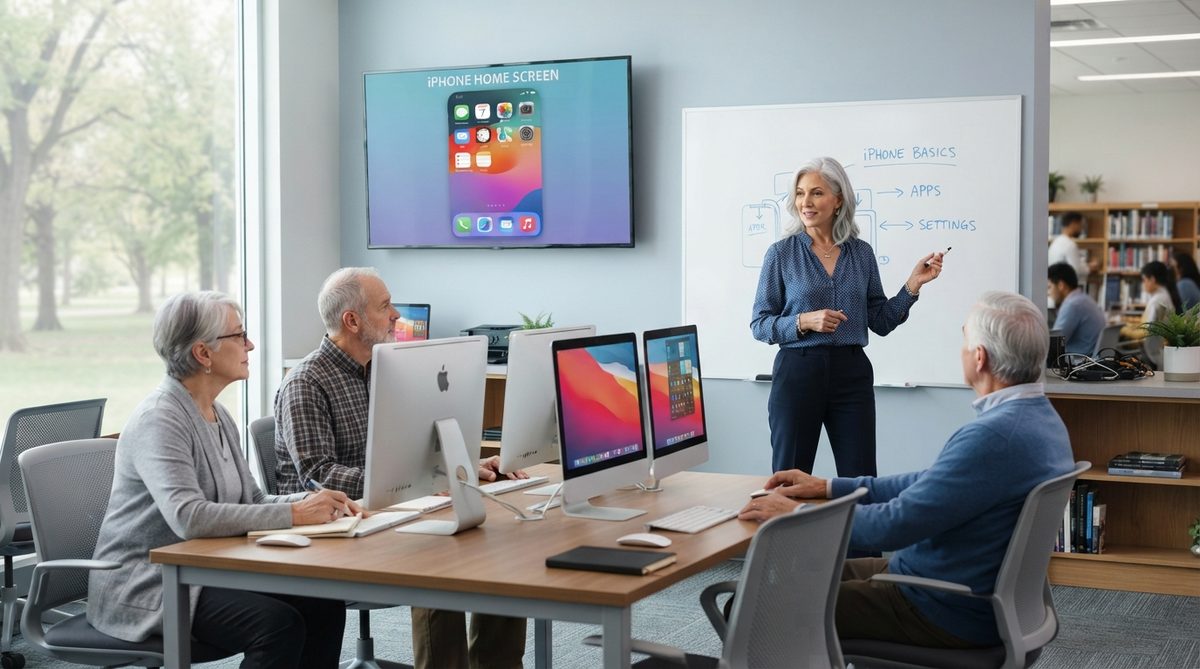
- Learn one new app every two weeks. The cognitive benefit comes from the learning process itself. Try a maps app one week, a photo-editing app the next. Your local library likely offers free classes — 62% of U.S. public libraries now run digital literacy programs for seniors.
- Set up video calling early. FaceTime (iPhone) or Google Duo (Android) are the simplest options. Social connection is the single strongest predictor of cognitive resilience in aging, and video calls deliver it far more effectively than voice-only calls.
- Use voice assistants without guilt. Saying “Hey Siri, set a reminder for my 3 p.m. medication” isn’t cheating — it’s smart. Voice interaction is its own form of cognitive engagement, and it makes the phone accessible if you have vision or dexterity challenges.
- Join one online community. Whether it’s a Facebook group for your neighborhood, a Nextdoor community, or a hobby forum on Reddit, participating in online conversations exercises reading comprehension, social reasoning, and typing skills simultaneously.
- Build security habits from day one. I’ll cover this in detail below, but please don’t skip this step. Protecting your device and your data is as fundamental as learning to use the phone itself.
Choosing the Right Phone and Plan
One of the most common questions I hear is, “Which phone should I actually buy?” The answer depends on your budget, your comfort level, and whether you have family members on a particular platform who can help troubleshoot. Here’s a comparison of the most popular options for 2025–2026:
| Phone / Plan | Best For | Monthly Cost (Approx.) | Key Feature for Seniors | Drawback |
|---|---|---|---|---|
| iPhone SE (2025) + T-Mobile Essentials 55+ | Apple ecosystem users, FaceTime with family | $27.50/line (2+ lines) | Familiar interface, strong accessibility settings | Smaller screen may strain eyes |
| Samsung Galaxy A16 5G + Consumer Cellular | Budget-conscious users who want a large screen | $20–$30/month | 6.7-inch display, simple mode available | Camera quality is mediocre |
| Google Pixel 8a + Mint Mobile | Users who want the best camera at a low price | $15–$25/month | Excellent voice assistant, 7 years of updates | Less intuitive for first-time users |
| Jitterbug Smart4 (Lively) + Lively plan | Absolute beginners, those with dexterity issues | $25–$40/month | Urgent Response button, simplified menu | Limited app selection, no standard app store |
| iPhone 16 + AARP/Consumer Cellular bundle | Users who want premium features with senior-friendly support | $25–$40/month | Top-tier camera, crash/fall detection | Higher upfront device cost ($799+) |
The senior-specific phone plans from T-Mobile (55+), Consumer Cellular, and Lively consistently rank well in Consumer Reports evaluations. I generally recommend avoiding long-term contracts — most of these plans are month-to-month, which gives you flexibility if you want to switch.
If you’re also thinking about how technology fits into your broader plan to remain independent at home, our guide on 7 Steps to Actually Age in Place (Not Just Talk About It) covers the smart-home side of the equation in detail.
The Dark Side: Elder Fraud Is Surging, and Scammers Love Smartphones
Here’s where I have to be blunt, because this is my professional specialty and the numbers are alarming. According to the FBI’s Internet Crime Complaint Center (IC3), Americans over 60 lost more than $3.4 billion to fraud in 2023 — a 11% increase from the prior year. Early 2025 data suggests the trend has only accelerated.
The most insidious part? Scammers specifically target older adults who are new to smartphones because they haven’t yet developed the instinctive skepticism that younger digital natives have. I often tell my clients: “Your phone is a tool and a doorway. You want to use the tool and guard the doorway.”
The Top 5 Scams Targeting Older Smartphone Users Right Now
1. The “Grandchild in Trouble” Call or Text. You get an urgent message claiming your grandchild has been arrested or is in the hospital and needs money immediately. Scammers now use AI voice-cloning to mimic a real family member’s voice. Always hang up and call your grandchild directly at their known number.
2. Fake Tech Support Pop-Ups. A message appears on your phone screen saying your device is infected with a virus and urging you to call a number. Apple will never do this. Google will never do this. Close the browser tab and move on.
3. Medicare or Social Security Imposters. A caller claims your benefits are about to be suspended unless you verify personal information. Government agencies do not call and demand information this way. Hang up.
4. Phishing Texts (“Smishing”). You receive a text that looks like it’s from your bank, Amazon, or the IRS, with a link to “verify your account.” These links lead to fake login pages designed to steal your credentials. Never tap a link in an unexpected text.
5. Romance Scams via Apps and Social Media. The FBI reports that romance fraud cost Americans over 60 more than $350 million in 2023 alone. If someone you’ve never met in person asks for money, gift cards, or cryptocurrency — regardless of the emotional story — it’s a scam.
For a much deeper dive into protecting yourself, I wrote a comprehensive guide: Elder Fraud Is Surging: A Cybersecurity Expert’s Guide to Safety.

Seven Security Habits That Take Five Minutes to Set Up
I’m a realist. I know most people won’t spend an hour configuring their phone’s security settings. So here are the seven things I consider non-negotiable, each of which takes under a minute:
- Turn on automatic software updates. Go to Settings → Software Update → toggle on Automatic Updates. These patches fix security holes that scammers actively exploit.
- Enable two-factor authentication (2FA) on your email. Your email account is the master key to your digital life. Both Gmail and iCloud offer simple 2FA setup. This one step blocks the vast majority of account takeover attempts.
- Set a six-digit passcode or use biometrics. Face ID, fingerprint, or at minimum a six-digit PIN. Four-digit PINs can be cracked in minutes.
- Install a password manager. Apple’s built-in Passwords app (iOS 18+) or Google Password Manager are free and eliminate the need to reuse passwords. I’ve seen clients who used the same password for 40+ accounts — that’s one data breach away from catastrophe.
- Turn on “Find My” (iPhone) or “Find My Device” (Android). If your phone is lost or stolen, you can locate, lock, or erase it remotely.
- Review app permissions quarterly. Go to Settings → Privacy and check which apps have access to your location, contacts, and microphone. Revoke anything that doesn’t make sense.
- Bookmark consumer.ftc.gov and check it monthly. The FTC publishes real-time scam alerts. Spending five minutes a month reading the latest alerts is like getting a vaccine against fraud.
The Bigger Picture: Technology as a Tool for Independence
Let me come back to Margaret for a moment. Six months after she bought her first iPhone — a refurbished SE from Consumer Cellular — she was video-calling her grandchildren in Portland three times a week. She’d joined a Facebook group for her church’s book club. She was using MyChart to message her doctor directly instead of waiting on hold. And she’d started using Apple Maps to explore new walking routes in her neighborhood, which her neurologist noted was excellent for both physical and cognitive health.
“I didn’t just learn a phone,” Margaret told her daughter. “I got a bigger life.”
That’s the real story here. Smartphones and senior brain health aren’t just linked in clinical data — they’re linked in lived experience. Every new app learned, every video call made, every scam recognized and avoided is a small act of independence and cognitive engagement.
What Families Can Do
If you’re reading this as a son or daughter trying to help a parent get started, here are three things I recommend based on what actually works:
Be patient, not patronizing. Your parent raised you. They ran households, careers, and communities. They don’t need you to talk to them like they’re five. Show respect for the learning process.
Set up the security basics yourself. Don’t just buy them a phone and hand it over. Spend 30 minutes configuring the security settings I outlined above. Think of it as installing the locks before they move in.
Make yourself the first tech support call. Scammers succeed when older adults have no one to ask, “Is this real?” Tell your parent: “Before you click any link, send money, or share information — call me first. Any time. I will never be annoyed.”
And if your family is also navigating financial concerns around caregiving and aging, you might find our piece on 5 Biggest Financial Concerns for Retirees and How to Fix Them useful for context.
The Bottom Line: Your Brain Wants You to Swipe
The research is compelling and growing. Meaningful smartphone use — learning new apps, connecting with people, navigating the world — engages precisely the cognitive pathways that weaken with age. It’s not a cure for dementia, and no responsible researcher is claiming that. But it is an accessible, affordable, and enjoyable form of cognitive exercise that happens to also keep you connected, informed, and independent.
The catch — and it’s a real one — is that the same device that sharpens your brain also exposes you to sophisticated criminals. That’s why I’ll keep insisting that digital literacy and digital security are two halves of the same coin. You wouldn’t drive a car without learning the brakes. Don’t use a smartphone without learning the safeguards.
Margaret’s neurologist was right to mention the research. Margaret’s daughter was right to help her get set up. And Margaret was right to take the leap. If you’ve been hesitating, consider this your sign. The phone in your hand — or the one you’re about to buy — might just be the most powerful brain-health tool you own.
About Dr. Priya Sharma, PhD in Computer Science, CISSP
Dr. Priya Sharma is a cybersecurity expert with a PhD in Computer Science and a Certified Information Systems Security Professional (CISSP) credential. She has spent 14 years researching digital privacy, online fraud, and data protection — with a particular focus on the risks facing older internet users. At Daily Trends Now, Dr. Sharma writes about online scams, password security, smartphone privacy, and the practical steps readers can take to stay safe in an increasingly connected world.