

The Dangerous Comfort of “It Won’t Happen to Me”
In my 14 years working in cybersecurity and digital privacy research, the single most dangerous phrase I hear from adults over 50 is: “I’m too smart to get scammed.” That belief itself is the vulnerability. And scammers know it.
According to the FBI’s Internet Crime Complaint Center (IC3), Americans over 60 lost more than $3.4 billion to fraud in 2023 alone — a 11% increase from the previous year. The average individual loss was over $33,000. These aren’t careless people. Many are retired professionals, former executives, and lifelong skeptics who believed the same myths I’m about to debunk.
Senior scams are evolving faster than most people realize. The tactics that defined fraud five years ago have been replaced by AI-generated voices, deepfake video calls, and sophisticated phishing campaigns that can fool even tech-savvy individuals. Let me walk you through seven widely held beliefs that are flat-out wrong — and show you what actually keeps your money safe.
Myth 1: “Only Gullible People Fall for Scams”
This is the myth that does the most damage. Research from the Federal Trade Commission shows that scam victims span every education level, income bracket, and profession. In fact, a 2023 AARP study found that people who rated themselves as “very knowledgeable” about fraud were more likely to engage with scam communications — because overconfidence made them less cautious.
What I see most often is that scammers don’t exploit stupidity. They exploit trust, urgency, and emotion. A grandparent who gets a frantic call from someone who sounds exactly like their grandchild isn’t being gullible — they’re being human. AI voice-cloning technology now needs only three seconds of audio to replicate someone’s voice convincingly.
The truth: Scam resistance isn’t about intelligence. It’s about having systems and habits in place that slow you down before you act.
Myth 2: “I Don’t Click Suspicious Links, So I’m Safe”
Avoiding obvious phishing links is a good start, but modern senior scams have moved far beyond the “Nigerian prince” emails of the 2000s. Today’s threats include:
- Phone-based scams (vishing): The #1 fraud method targeting older adults, accounting for over 40% of reported losses
- Text message scams (smishing): Fake delivery notifications, bank alerts, and Medicare messages that look identical to legitimate ones
- Search engine poisoning: Fake customer service numbers that appear at the top of Google results
- Social media marketplace fraud: Counterfeit products and fake sellers on Facebook Marketplace and similar platforms
- Romance scams: Long-term emotional manipulation through dating sites, costing victims an average of $14,000 per incident
I often tell my readers that email hygiene alone is like locking your front door but leaving every window open. You need a comprehensive awareness of all the channels scammers use. For a deeper look at what’s happening right now, see this guide on how seniors can outsmart online scams.
Myth 3: “My Bank Will Catch Any Fraudulent Transaction”
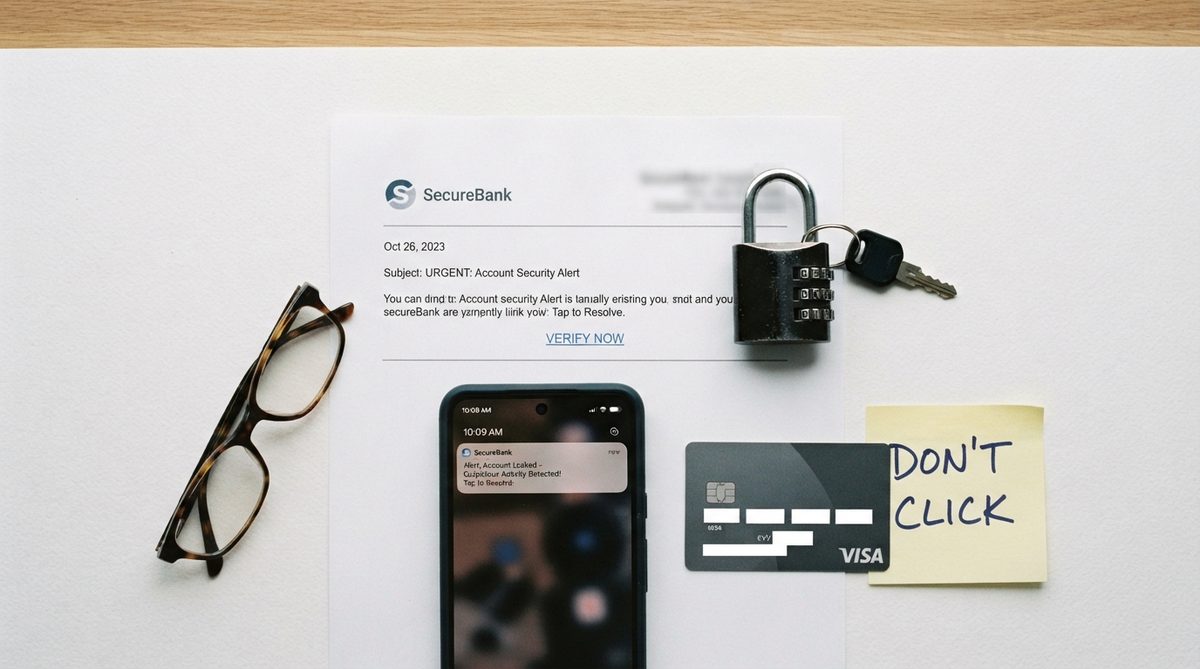
Banks have improved their fraud detection systems considerably, but here’s what most people don’t understand: if you authorize a payment — even under false pretenses — your bank may have no legal obligation to reimburse you.
This distinction is critical. When a scammer convinces you to wire money, purchase gift cards, or transfer funds through Zelle or Venmo, those are considered “authorized transactions” in the eyes of most financial institutions. The FTC received over 48,000 reports of wire transfer fraud from adults 60+ in 2023, and recovery rates for wire transfers hover below 5%.
The truth: Your bank is your partner in fraud prevention, not your safety net. Set up transaction alerts for any purchase over $100, enable two-factor authentication on all financial accounts, and never move money based on a phone call you didn’t initiate — no matter who the caller claims to be.
Myth 4: “Government Agencies Will Call or Email You About Problems”
This myth persists because it sounds reasonable. But let me be absolutely clear: the IRS, Social Security Administration, Medicare, and law enforcement agencies do not initiate contact by phone, email, or text to demand immediate payment or threaten arrest.
As CISA (the Cybersecurity and Infrastructure Security Agency) emphasizes, government impersonation is one of the fastest-growing scam categories. In 2023, the FTC reported $1.3 billion lost to business and government impersonation scams combined — with older adults disproportionately affected.
The real process for any government issue involves written correspondence sent through the U.S. Postal Service. If someone calls claiming to be from the SSA and says your Social Security number has been “suspended,” hang up immediately. Your number cannot be suspended. Period. With real Social Security concerns already affecting retirees, the last thing you need is a fraudster exploiting that anxiety.
Myth 5: “Scammers Only Target People With a Lot of Money”
Scammers are equal-opportunity criminals. While high-net-worth individuals are targeted with investment fraud and sophisticated schemes, people with modest savings face just as many threats — often with more devastating consequences.
Gift card scams, for example, average around $700 per victim. That may not make headlines, but for someone on a fixed income, it could represent an entire month’s grocery budget. Tech support scams — where someone calls claiming your computer has a virus — average around $1,000 per incident and disproportionately target people in rural areas with limited access to in-person tech help.
| Scam Type | Avg. Loss Per Victim | Primary Contact Method | Key Warning Sign |
|---|---|---|---|
| Romance Scam | $14,000 | Dating sites / social media | Asks for money before meeting in person |
| Tech Support Scam | $1,000 | Phone call or pop-up alert | Claims your computer is “infected” |
| Government Impersonation | $3,000–$10,000 | Phone call or text | Threatens arrest or account suspension |
| Investment / Crypto Fraud | $50,000+ | Social media / messaging apps | Promises guaranteed returns |
| Gift Card Payment Scam | $700 | Phone call | Demands payment via gift cards |
| Grandparent Scam (AI voice) | $5,000–$15,000 | Phone call | Frantic “grandchild” begs for money and secrecy |
Whether you have $5,000 or $500,000 in savings, you’re a target. And with financial pressures already weighing on retirees in 2026, protecting every dollar matters more than ever.
Myth 6: “Caller ID Shows Who’s Really Calling”
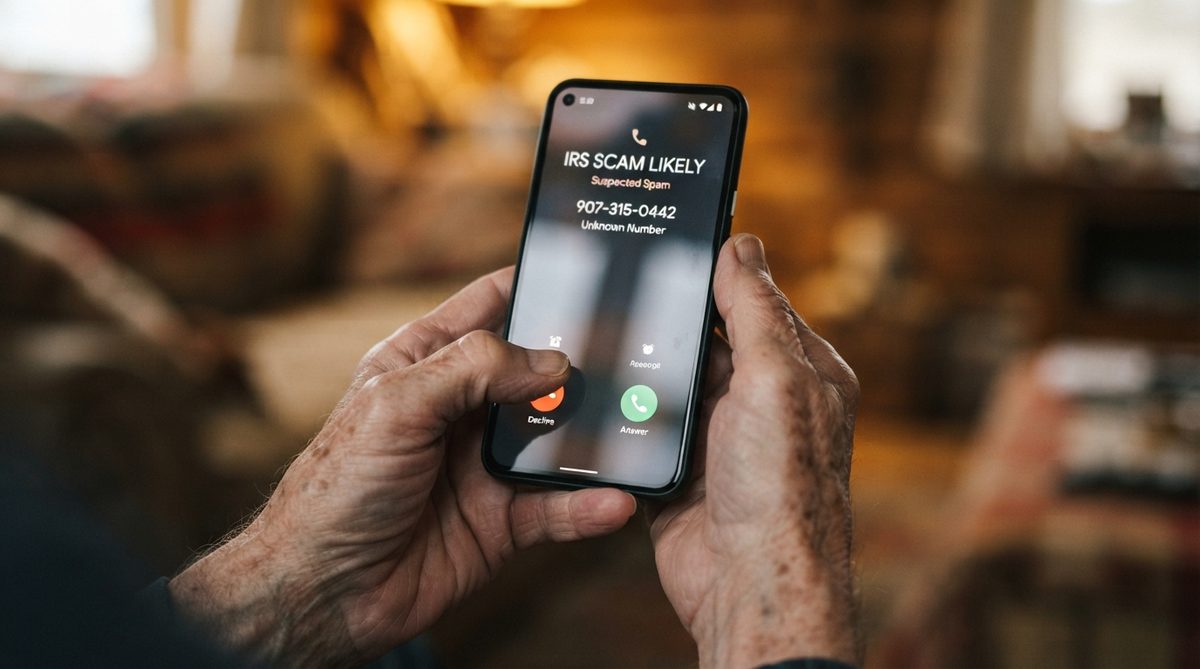
This is one of the most outdated beliefs I encounter, and it’s costing people real money. Caller ID spoofing — the practice of disguising a phone number to make it appear as if the call is coming from a trusted source — is trivially easy and completely free for scammers.
Your phone might display “Social Security Administration,” your bank’s actual name, or even a neighbor’s phone number. None of that means the call is legitimate. Spoofing technology is so accessible that a teenager with a laptop can do it in under five minutes.
What actually works: If you receive a call from any organization asking for personal information or money, hang up and call back using the number on the organization’s official website or on the back of your card. Never use a callback number provided by the caller. This single habit would prevent an estimated 60% of phone-based fraud.
Myth 7: “Antivirus Software Protects Me From Everything”
Antivirus software is essential — I recommend it to everyone — but it addresses only one layer of your digital security. As Consumer Reports has documented extensively, the majority of financial fraud targeting older adults relies on social engineering, not malware.
Social engineering means manipulating you, not your computer. No antivirus program can prevent you from reading a convincing text message and calling a fake customer service number. No firewall stops you from telling a charming stranger on a dating app your home address.
A comprehensive protection strategy includes:
- Antivirus and anti-malware software kept automatically updated
- A password manager (like Bitwarden or 1Password) that generates unique passwords for every account
- Two-factor authentication (2FA) enabled on email, banking, and social media accounts
- A credit freeze at all three bureaus (Equifax, Experian, TransUnion) — it’s free and prevents identity thieves from opening accounts in your name
- Regular conversations with a trusted family member or friend about any unusual contacts or financial requests
What Actually Keeps You Safe: Building a Scam-Resistant Mindset
After spending over a decade studying how digital fraud works, I’ve found that the people who are hardest to scam share a common trait: they’ve replaced assumptions with routines.
They don’t assume a call is real because the caller ID looks right. They hang up and verify. They don’t assume an email is safe because it has a company logo. They go directly to the website. They don’t assume they’d “never fall for that.” They stay curious and keep learning.
The 24-Hour Rule
I recommend what I call the 24-Hour Rule to everyone I work with. If any communication — phone call, email, text, social media message — asks you to take financial action, wait 24 hours before doing anything. Discuss it with someone you trust. Legitimate organizations will never pressure you to act within minutes.
Scammers manufacture urgency because urgency bypasses your critical thinking. The moment you feel rushed or panicked, that’s your signal to stop.
Stay Connected, Stay Protected
Isolation is one of the biggest risk factors for falling victim to fraud. People who regularly discuss their digital lives with friends, family, or community groups are significantly less likely to lose money to scams. This is also why staying engaged with technology has benefits that go beyond convenience — it keeps you socially connected and mentally sharp.
Consider joining a local library’s digital literacy program, an AARP technology workshop, or even a casual group where friends share the latest scam attempts they’ve encountered. Knowledge shared is vulnerability halved.
Your Next Steps
You don’t need to become a cybersecurity expert to protect yourself. But you do need to let go of myths that create a false sense of safety. Here’s what I’d prioritize this week:
- Freeze your credit at all three bureaus if you haven’t already — it takes about 10 minutes per bureau and costs nothing
- Enable two-factor authentication on your email and primary bank account
- Program your bank’s real phone number into your contacts so you always have it ready for verification callbacks
- Tell one person you trust that you’d like them to be your “scam check” — someone you can call before making any unexpected financial decision
Scammers are sophisticated, well-funded, and relentless. But they depend entirely on speed, secrecy, and your assumptions. Remove those three things, and you become an extraordinarily difficult target. That’s not just possible — for anyone reading this, it’s already underway.
Frequently Asked Questions
What should I do if I think I've already been scammed?
Act immediately. Contact your bank or credit card company to freeze or reverse transactions. File a report with the FTC at ReportFraud.ftc.gov and with your local police. If you shared personal information like your Social Security number, place a fraud alert or credit freeze with all three credit bureaus. The sooner you act, the higher your chances of recovering funds.
Are smartphones more vulnerable to scams than computers?
Smartphones can actually be more vulnerable in certain ways because their smaller screens make it harder to inspect URLs, caller ID is easier to spoof on mobile networks, and people tend to respond to texts more impulsively than emails. However, both devices are safe when you practice verification habits like the 24-Hour Rule and enable two-factor authentication.
Is it safe for seniors to use online banking?
Yes — online banking with proper security measures is often safer than paper statements and in-person transactions, which carry risks of mail theft and check fraud. Use a strong, unique password, enable two-factor authentication, set up transaction alerts, and only access your account on your personal device over a secure Wi-Fi network. Avoid using public Wi-Fi for any financial activity.
About Dr. Priya Sharma, PhD in Computer Science, CISSP
Dr. Priya Sharma is a cybersecurity expert with a PhD in Computer Science and a Certified Information Systems Security Professional (CISSP) credential. She has spent 14 years researching digital privacy, online fraud, and data protection — with a particular focus on the risks facing older internet users. At Daily Trends Now, Dr. Sharma writes about online scams, password security, smartphone privacy, and the practical steps readers can take to stay safe in an increasingly connected world.