


Why Aging in Place Technology Matters More Than Ever
Consider this statistic: according to AARP’s 2024 Technology Trends survey, 76% of adults over 50 now own a smartphone, and smart home device adoption in that same age group has nearly doubled since 2020. People aren’t just browsing Facebook — they’re building connected homes designed to keep them independent longer.
Over the past 14 years, cybersecurity and digital privacy research has documented this shift accelerating. The question heard most often from readers over 50 isn’t “Should I use this technology?” It’s “How do I set it up without making myself vulnerable?” That’s exactly what this aging in place tech guide is designed to answer.
The promise is real: smart sensors that detect falls, video doorbells that let you see who’s at the door without getting up, voice assistants that remind you to take medication, and telehealth platforms that connect you with your doctor from your living room. But every connected device is also a potential doorway for hackers, scammers, and data collectors. The goal is to get the benefits while locking down the risks.
If you’ve been exploring the idea of staying in your own home as you age, you’ll want to read Aging in Place Myths Busted: What Seniors Get Wrong in 2025 — it pairs perfectly with the practical steps below.
Choosing the Right Smart Home Devices for Independent Living
Not every gadget deserves a spot in your home. Start with the “safety-first trio” — three categories of devices that deliver the highest value for people who want to age in place safely.
Medical Alert and Fall Detection Systems
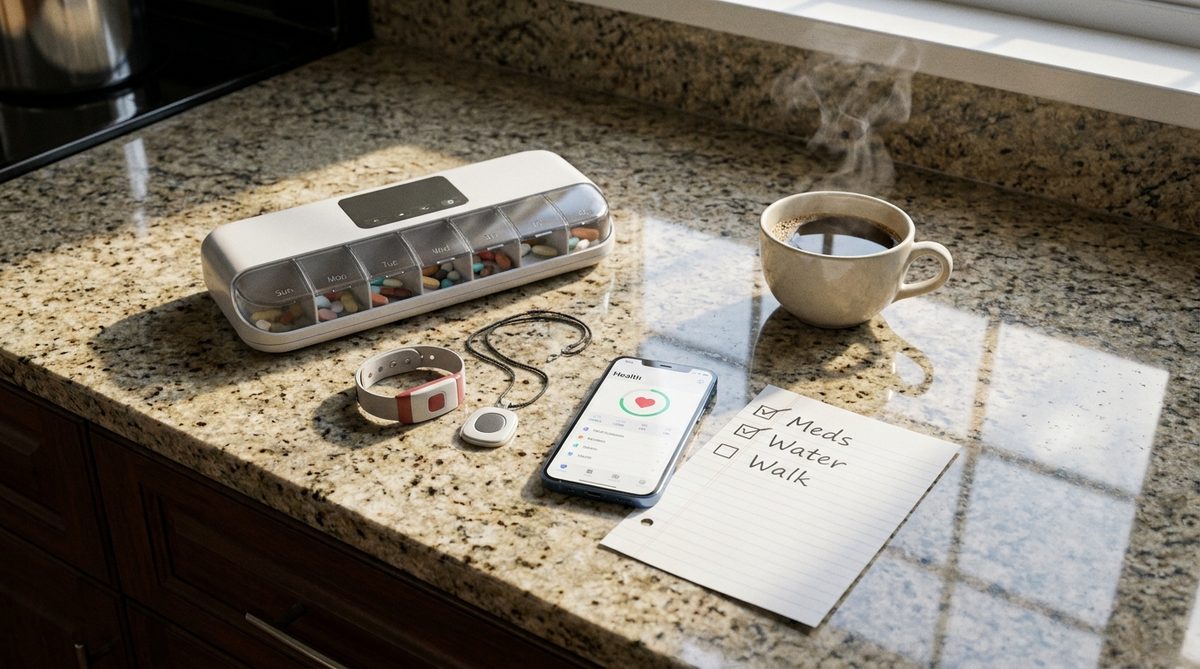
Modern medical alert devices have evolved far beyond the “I’ve fallen and I can’t get up” pendants of the 1990s. Today’s wearables, from companies like Medical Guardian, Lively by GreatCall, and Apple Watch’s fall detection feature, use accelerometers and gyroscopes to detect sudden impacts and unusual movement patterns. Some can even call 911 automatically if you don’t respond within 30 seconds of a detected fall.
When choosing a medical alert device, look for these features:
- Automatic fall detection (not just a manual button press)
- GPS tracking for outdoor coverage, not only in-home range
- Two-way voice communication so dispatchers can talk with you
- Water resistance for bathroom use — where most falls happen
- Battery life of at least 24 hours between charges
Consumer Reports regularly tests and ranks these devices. Check their latest ratings before purchasing, because performance varies significantly between brands.
Smart Doorbells and Security Cameras
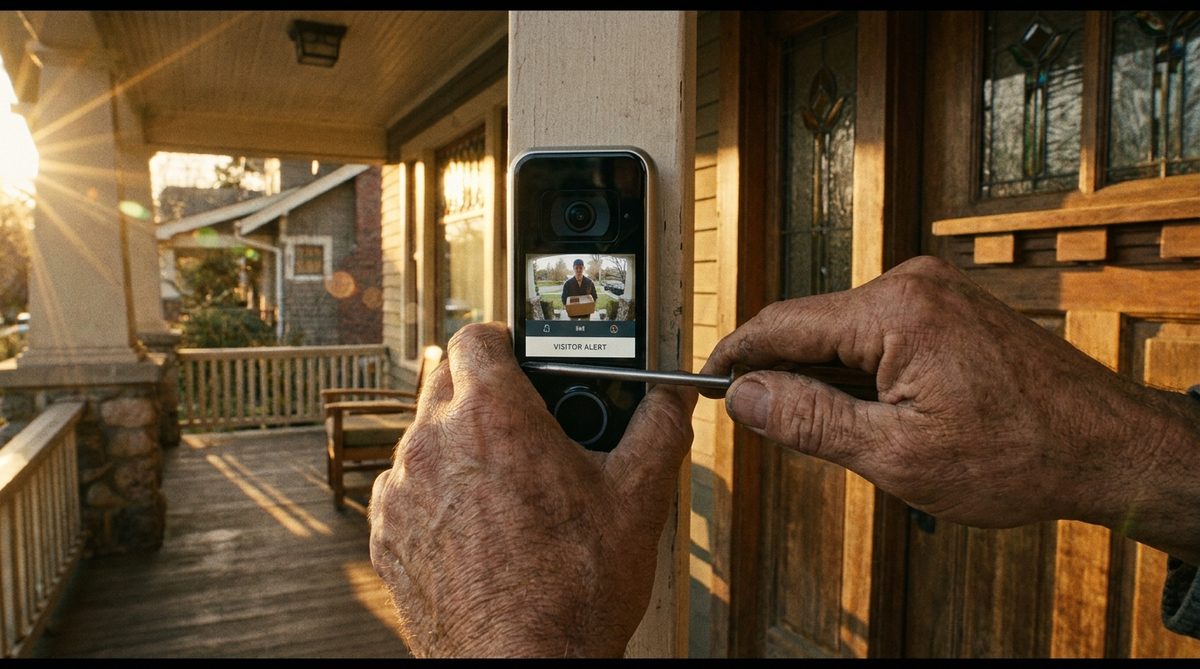
A video doorbell like the Ring Video Doorbell or Google Nest Doorbell lets you see, hear, and speak with anyone at your front door from your phone or tablet — even if you’re in bed or across the country visiting grandchildren. For adults with mobility challenges, this alone can be a game-changer.
Indoor cameras can monitor entryways and common areas, providing peace of mind for both you and adult children who may worry from a distance. Just be selective about placement. Cameras in bedrooms or bathrooms are unnecessary and create privacy risks.
Voice Assistants and Smart Displays
Amazon Echo Show and Google Nest Hub are among the most useful aging in place tech devices available. A voice command can set medication reminders, make phone calls, play audiobooks, control lights, and even make video calls — all hands-free. For anyone dealing with arthritis, low vision, or limited mobility, voice control removes real barriers.
“The single best piece of aging in place tech advice: start with one device, learn it thoroughly, then add the next. Overwhelm is the number one reason people abandon helpful technology.”
Securing Your Smart Home: A Cybersecurity Walkthrough
Security is where the most dangerous gaps emerge. A 2024 report from CISA (the Cybersecurity & Infrastructure Security Agency) found that smart home devices are increasingly targeted by cybercriminals, with older adults disproportionately affected because default security settings are often left unchanged.
Here’s how to lock things down properly.
Start With Your Wi-Fi Router
Your router is the front gate to every connected device in your home. If it’s compromised, everything else is exposed.
- Change the default router name (SSID) and password. The factory defaults are published online and easily searchable by attackers.
- Use WPA3 encryption if your router supports it, or at minimum WPA2. If your router only supports WEP, it’s time to replace it.
- Create a separate “guest” network for your smart home devices. This isolates them from the network your computer and phone use for banking and email.
- Update your router’s firmware. Manufacturers release security patches regularly, and most people never install them.
If you’re not sure how to do any of these steps, your internet service provider’s support line can typically walk you through it in 15 minutes.
Set Strong, Unique Passwords for Every Device
A common vulnerability is password reuse. Many people use the same password for their smart doorbell, their email, their bank, and their streaming service. When one account gets breached — and breaches happen constantly — attackers try that same password everywhere else.
Use a password manager like 1Password, Bitwarden, or the built-in managers in Apple’s iCloud Keychain or Google Chrome. A password manager creates and remembers complex, unique passwords for every account so you only need to memorize one master password.
Enable Two-Factor Authentication Everywhere
Two-factor authentication (2FA) means that even if someone steals your password, they still can’t log in without a second verification step — usually a code sent to your phone. Enable 2FA on every account that offers it, especially:
- Your email account (this is the master key to resetting all other passwords)
- Smart home device apps (Ring, Nest, Alexa)
- Banking and financial apps
- Social media accounts
According to Microsoft’s own security research, enabling 2FA blocks over 99.9% of automated account attacks. That single step is the highest-impact security action you can take.
Keep Everything Updated
Software updates aren’t just about new features — they patch security vulnerabilities that hackers actively exploit. Turn on automatic updates for your smartphone, tablet, computer, and every smart home device app. For devices like smart cameras or doorbells, check the manufacturer’s app monthly for firmware updates.
Avoiding Scams That Target Smart Home Users
The FBI’s Internet Crime Complaint Center reported that Americans over 60 lost more than $3.4 billion to online scams in 2023 — a 11% increase from the prior year. Smart home technology creates new attack surfaces that scammers eagerly exploit.
“Scammers don’t hack technology — they hack trust. The most common attacks don’t involve sophisticated code. They involve a convincing phone call or email that impersonates a company you already do business with.”
Here are the most common scams targeting aging in place tech users:
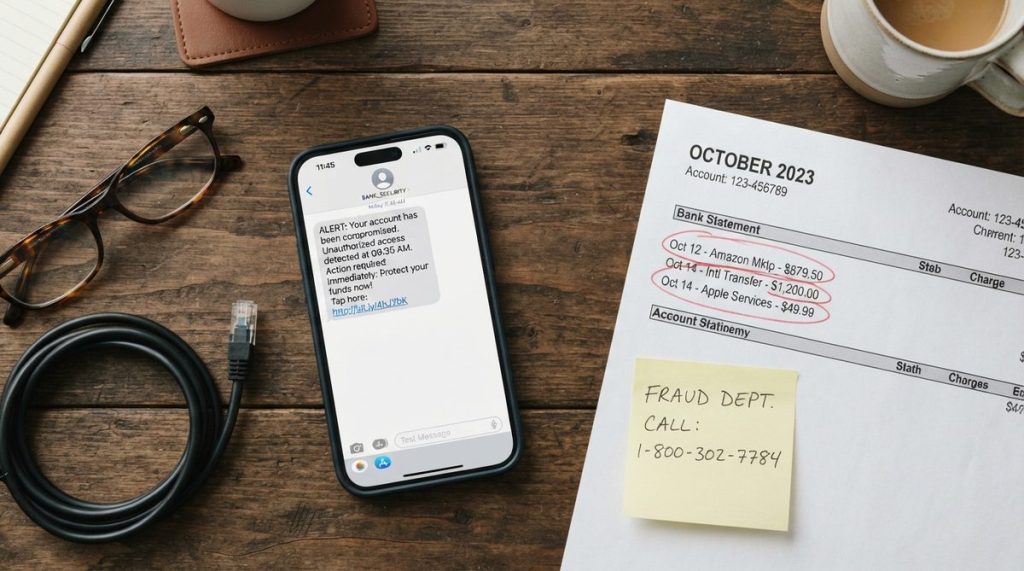
- Fake tech support calls: Someone calls claiming to be from Amazon, Google, or your internet provider, saying your device has been “compromised” and asking for remote access to your computer. Legitimate companies never make unsolicited calls like this.
- Phishing emails about device alerts: You receive an email that looks like it’s from Ring or Nest saying “suspicious activity detected — click here to review.” The link leads to a fake login page designed to steal your credentials.
- Counterfeit device scams: Deeply discounted smart home devices sold through social media ads or unfamiliar websites that are either counterfeit (with built-in malware) or simply never ship.
- Voice assistant exploitation: While rare, attackers have demonstrated the ability to issue commands to voice assistants through ultrasonic frequencies or by calling your home phone. Disable voice purchasing and set a voice PIN for sensitive actions.
For a deeper dive into specific fraud tactics, our comprehensive guide on Online Scams Targeting Older Adults: How to Stay Safe in 2025 covers what the FTC and law enforcement are seeing right now.
Building Your Aging in Place Tech Setup, Step by Step
Rather than buying everything at once, use a phased approach. This reduces overwhelm, spreads out costs, and gives you time to learn each device properly before adding complexity.
Phase One: Foundation (Month 1)
- Upgrade or secure your Wi-Fi router using the steps above
- Set up a password manager and migrate your most important accounts
- Enable two-factor authentication on email and banking
- Purchase one smart display (Amazon Echo Show 8 or Google Nest Hub are both under $100 and well-reviewed for ease of use)
Phase Two: Safety Layer (Months 2-3)
- Install a video doorbell at your front entrance
- Research and purchase a medical alert device suited to your health needs
- Set up medication reminders through your smart display’s built-in routine features
- Arrange a telehealth visit with your primary care doctor so you’re comfortable with the process before you urgently need it
Phase Three: Comfort and Connection (Months 3-6)
- Add smart lighting that can be controlled by voice or scheduled to turn on at sunset (reducing fall risk in dim hallways)
- Install a smart thermostat for easier climate control and potential energy savings
- Set up video calling routines so family check-ins become effortless
- Explore a smart lock for your front door so trusted family or caregivers can enter with a code if needed
This phased approach aligns well with building a broader plan for staying healthy and independent. Our piece on 6 Pillars of a Healthier Age-Defying Lifestyle for Seniors covers the non-tech side of that equation — nutrition, movement, social connection, and more.
When to Ask for Help — And Who to Trust
There is absolutely no shame in asking for assistance. In fact, one of the smartest things you can do is identify a trusted “tech buddy” — a family member, neighbor, or friend who’s comfortable with technology and willing to help you troubleshoot when things go sideways.
If you don’t have someone in your personal circle, consider these resources:
- Local libraries: Many offer free technology classes specifically designed for older adults
- AARP’s TEK workshops: Available in many communities and focused on smartphones, tablets, and online safety
- Senior centers: Increasingly offering digital literacy programs
- Your device manufacturer’s support: Apple, Google, and Amazon all have phone support and in-person options (Apple Stores, Best Buy Geek Squad partnerships)
Be cautious about unsolicited help, though. If someone contacts you out of the blue offering to “fix” your computer or set up your devices, that’s a red flag — not a helping hand.
The Bottom Line: Technology Should Serve You, Not Stress You
The aging in place tech landscape can feel overwhelming, but it doesn’t have to be. Every device you add to your home should solve a specific problem or remove a specific worry. If a gadget doesn’t clearly do one of those two things, you don’t need it — no matter how many advertisements tell you otherwise.
Start small. Secure what you have. Add carefully. And remember that the point of all this technology is to keep you safe, connected, and living on your own terms in the home you love. That’s worth the learning curve.
For adults building a smart home to support independent living, the key is approaching each device with equal parts enthusiasm and caution. Get the setup right from the beginning, and these tools will serve you well for years to come.





2 Responses