
Key Takeaways
- Older adults lost over $3.4 billion to online fraud in 2023, with losses rising sharply each year according to FBI data.
- The most dangerous scams targeting older adults exploit trust, urgency, and unfamiliarity with new technology platforms.
- Simple verification habits—like hanging up and calling back on a known number—can neutralize most scam attempts instantly.
- Free tools from CISA, the FTC, and your own smartphone can dramatically reduce your exposure to fraud without requiring tech expertise.
Why Online Scams Targeting Older Adults Are Surging in 2025
Consider this troubling statistic: the FBI’s Internet Crime Complaint Center reported that Americans aged 60 and older lost over $3.4 billion to online fraud in 2023 alone—an 11% jump from the previous year. And those are only the cases that were actually reported. Scam tactics have evolved dramatically over recent years, shifting from clumsy phishing emails into sophisticated, multi-channel operations that can fool even tech-savvy professionals.
The problem isn’t that older adults are gullible. Scammers deliberately target people who are polite, trusting, and less likely to hang up on a stranger—exploiting those admirable qualities. The good news? Once you know how these scams work, they lose almost all their power.
Below is a breakdown of the eight most common online scams targeting older adults right now—with concrete, step-by-step actions to shut each one down. If you’re also thinking about how technology can support your independence, our guide on setting up your smart home safely covers the protective side of that equation.
1. The “Grandparent Scam” Has Gone High-Tech
How It Works
A caller claims to be your grandchild—or a police officer, lawyer, or hospital worker calling on their behalf. They say your grandchild is in trouble: a car accident, an arrest, a medical emergency. They beg you not to tell anyone else in the family and demand immediate payment, often via gift cards, wire transfers, or cryptocurrency.
What’s changed in 2025 is that scammers now use AI-generated voice cloning. With just a few seconds of audio scraped from a social media video, they can mimic your grandchild’s voice convincingly. The FBI issued a specific warning about this tactic in late 2024.
How to Stop It
Establish a family code word—a simple, private word or phrase that only your family knows. If anyone calls claiming to be a relative in distress, ask for the code word. No code word, no money. Period. You should also call your grandchild back directly on their known phone number before taking any action.
2. Tech Support Scams That Hijack Your Screen
How It Works
You’re browsing the web and suddenly a full-screen pop-up appears: “YOUR COMPUTER HAS BEEN INFECTED. CALL MICROSOFT SUPPORT IMMEDIATELY.” The pop-up may include flashing warnings, fake error codes, and a toll-free number. When you call, the “technician” asks you to install remote-access software—giving them complete control of your computer. From there, they can steal passwords, install malware, or demand hundreds of dollars for fake repairs.
According to the FTC’s Consumer Advice division, tech support scams were among the top five fraud categories reported by adults over 60 in 2024, with median losses of $600 per victim.
How to Stop It
Microsoft, Apple, and Google will never show you a pop-up asking you to call a phone number. If you see one, don’t call. Instead, force-close your browser (press Ctrl+Alt+Delete on Windows, or Command+Q on Mac). If the pop-up won’t close, simply hold down your computer’s power button for 10 seconds to shut it off. When you restart, the pop-up will be gone.
3. Phishing Emails That Look Perfectly Real
How It Works
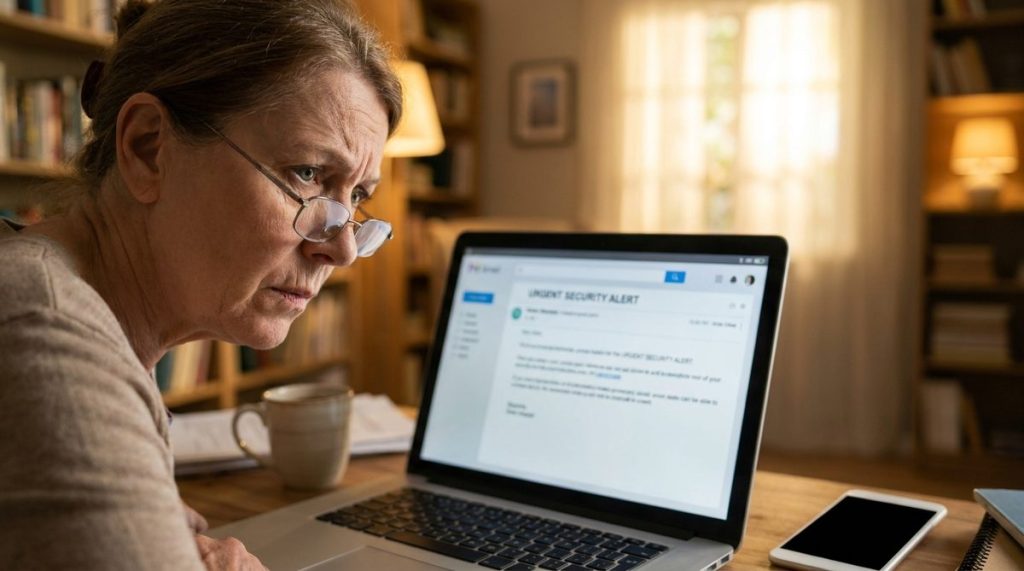
You receive an email that appears to come from Amazon, your bank, Medicare, or the IRS. It warns of suspicious activity, a missed payment, or an expiring account. The email includes a link that takes you to a convincing but fake website designed to steal your login credentials, Social Security number, or credit card information.
Modern phishing emails have gotten disturbingly good. They copy logos, formatting, and even email addresses that look nearly identical to the real thing. Phishing kits are sold on dark web marketplaces for as little as $25—complete with cloned banking websites.
How to Stop It
Never click a link in an unexpected email. Instead, open a new browser window and type the company’s web address directly. If Amazon supposedly sent you an alert, go to amazon.com yourself and check your account. Also, hover your mouse over any link (without clicking) to see where it actually leads. If the URL looks strange—like “amaz0n-security-alert.com”—it’s a scam.
4. Romance Scams That Cost More Than Heartbreak
How It Works
Someone contacts you on a dating site, social media platform, or even a faith-based community group. They’re attractive, attentive, and emotionally available. Over weeks or months, they build a deep connection with you. Then the requests for money start: a medical emergency, a business deal gone wrong, a plane ticket to finally come visit you.
The FBI’s IC3 data shows romance scams cost Americans over 60 a staggering $356 million in 2023. These scams are particularly cruel because they exploit genuine loneliness and the very human desire for connection.
How to Stop It
If someone you’ve never met in person asks for money—for any reason—that is a scam. Full stop. You should do a reverse image search on their photos (right-click the image, select “Search image with Google”) to see if the pictures belong to someone else entirely. And never send money via wire transfer, gift cards, or cryptocurrency to someone you haven’t met face-to-face.
5. Fake Government Agency Calls
How It Works
You receive a call or voicemail claiming to be from the Social Security Administration, the IRS, or Medicare. The caller says your Social Security number has been “suspended” due to fraud, or that you owe back taxes and will be arrested if you don’t pay immediately. They demand payment via gift cards or wire transfer and tell you to stay on the line.
The Cybersecurity & Infrastructure Security Agency (CISA) has repeatedly warned that these calls use “caller ID spoofing” to display legitimate-looking government phone numbers, making them appear authentic even on your caller ID screen.
How to Stop It
Remember this rule: No legitimate government agency will ever call you demanding immediate payment or threatening arrest. The IRS communicates primarily by postal mail. Social Security numbers cannot be “suspended.” If you’re concerned, hang up and call the agency directly using the number printed on your official statements or on the agency’s .gov website. Protecting your finances from scams is just as important as the broader retirement planning strategies covered in 8 Steps to Protect Your Retirement Savings.
6. Package Delivery and Shipping Scams
How It Works
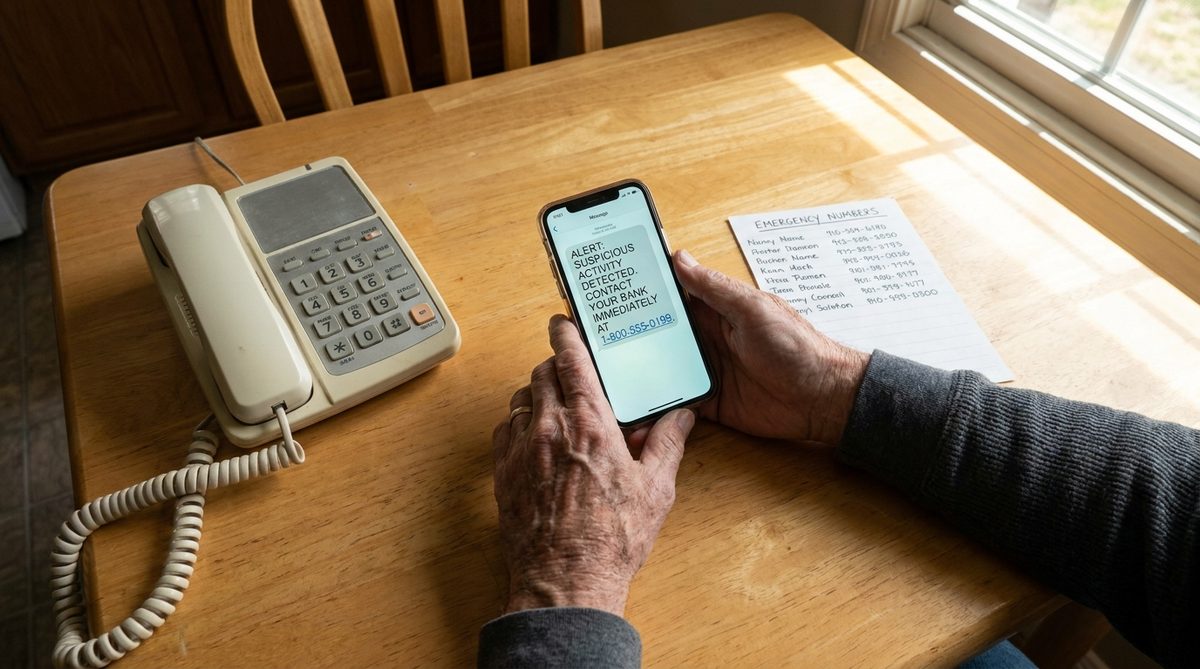
You receive a text message or email claiming a package couldn’t be delivered. It asks you to click a link to reschedule delivery or pay a small redelivery fee—usually $1 to $3. The link leads to a fake site that captures your credit card number and personal information. Some versions install malware on your phone.
These scams spike during holiday shopping seasons but run year-round. With more Americans over 50 shopping online than ever before—Pew Research found that 75% of adults aged 50–64 made an online purchase in the past month—the target audience is enormous.
How to Stop It
If you’re expecting a package, track it directly through the retailer’s website or the carrier’s official app (USPS, UPS, FedEx). Legitimate delivery companies will never ask for payment via text message link. Delete the message and, if you’re unsure, go directly to the carrier’s website and enter your tracking number there.

7. Investment and Cryptocurrency Fraud
How It Works
You see an ad on social media—sometimes featuring a deepfake video of a celebrity like Warren Buffett or Elon Musk—promoting an “exclusive” investment opportunity with guaranteed returns. Or a new online friend (sometimes from a romance scam) starts talking about how much money they’ve made in cryptocurrency and offers to teach you.
These “pig butchering” scams—so named because scammers “fatten up” victims with small apparent profits before taking everything—cost older Americans over $1.2 billion in 2023, making them the single costliest fraud category for this age group, per the FBI’s annual report.
How to Stop It
There is no such thing as a guaranteed return on any investment. If someone you’ve met online is pushing you toward a specific trading platform or cryptocurrency app you’ve never heard of, walk away. Only invest through well-known, SEC-registered brokerages. And never let someone else control your money or guide your trades remotely. For legitimate strategies to protect what you’ve earned, see 6 Retirement Must-Knows for 2026 That Protect Your Money.
8. Fake Antivirus and Security Software
How It Works
While browsing, you encounter a pop-up or website that claims to have scanned your computer and found dozens of viruses. It offers a “free” antivirus download or asks you to purchase premium security software immediately. The software itself is malware—or at best, a useless program that charges your credit card monthly.
According to Consumer Reports, fake antivirus software remains one of the most common ways older adults inadvertently install malware on their devices. The fake programs often disable your real antivirus protection, leaving you more vulnerable than before.
How to Stop It
Only download antivirus software from established companies—like Norton, Bitdefender, McAfee, or the built-in Windows Defender (which is free and already on your PC). Never download security software because a website told you to. If your computer is running Windows 10 or 11, Windows Defender is already active and provides solid baseline protection at no extra cost.
Comparing Common Scam Red Flags at a Glance
The quick-reference table below helps you spot warning signs fast. Print it out and keep it near your computer if it helps.
| Scam Type | Typical Contact Method | Key Red Flag | Average Loss (Adults 60+) |
|---|---|---|---|
| Grandparent Scam | Phone call | “Don’t tell anyone in the family” | $9,000–$15,000 |
| Tech Support | Browser pop-up | Asks you to install remote-access software | $500–$1,000 |
| Phishing Email | Urgent link to “verify” your account | $800–$2,500 | |
| Romance Scam | Dating sites, social media | Online-only relationship asks for money | $9,000–$50,000+ |
| Government Impersonation | Phone call, voicemail | Threats of arrest or SSN “suspension” | $3,000–$10,000 |
| Package Delivery | Text message, email | Small “redelivery fee” via link | $200–$1,500 |
| Investment/Crypto Fraud | Social media, messaging apps | Guaranteed returns, unfamiliar platforms | $50,000–$100,000+ |
| Fake Antivirus | Browser pop-up | Claims to have “scanned” your PC via a webpage | $300–$800 |
Your 7-Step Scam Protection Action Plan
Knowing the scams is half the battle. Here’s exactly what you should do this week—these steps take less than an hour total and dramatically reduce your risk.
- Set up a family code word. Call your children and grandchildren today. Agree on a secret word to use if anyone ever calls claiming to be in an emergency. Write it down and keep it private.
- Enable two-factor authentication (2FA) on your email and bank accounts. This means even if someone steals your password, they can’t log in without a second code sent to your phone. Your bank’s website will walk you through it under “Security Settings.”
- Register your phone number on the National Do Not Call Registry at donotcall.gov. While scammers ignore the list, it reduces legitimate telemarketing calls—making it easier to identify suspicious ones.
- Install a call-blocking app. Both iPhone (Settings → Phone → Silence Unknown Callers) and Android have built-in call-screening features. For extra protection, apps like Nomorobo or the free Hiya app block known scam numbers automatically.
- Set up account alerts with your bank. Most banks let you receive instant text or email notifications for any transaction over a certain amount. Set the threshold low—even $25—so you’ll know immediately if unauthorized charges appear.
- Bookmark your important websites. Save bookmarks for your bank, Amazon, Medicare, and Social Security. Always use these bookmarks instead of clicking links in emails or texts.
- Designate a trusted “scam check” buddy. Pick a family member or friend you can call before making any financial decision prompted by an unsolicited contact. Scammers rely on isolation and urgency—having someone to consult breaks both.
What to Do If You’ve Already Been Scammed
Act Fast—Time Matters
If you’ve sent money or shared personal information with a scammer, don’t feel ashamed. Scammers are professionals who do this for a living. What matters now is acting quickly.
Contact your bank or credit card company immediately to report the unauthorized transaction. Many banks can reverse wire transfers if you report within 24–48 hours. If you paid with gift cards, call the gift card company (the number is on the back of the card) and report the fraud—some funds may be recoverable.
Report It
File a report with the FTC at ReportFraud.ftc.gov. Also file with the FBI’s Internet Crime Complaint Center at ic3.gov. These reports help law enforcement track and shut down scam operations. If your Social Security number was compromised, place a fraud alert on your credit reports by contacting any one of the three credit bureaus (Equifax, Experian, or TransUnion)—they’re required to notify the other two.
Building Long-Term Digital Resilience
Protecting yourself from online scams targeting older adults isn’t a one-time task—it’s an ongoing practice, much like locking your doors every night. Technology changes, and scam tactics evolve with it. But the fundamentals stay the same: verify before you trust, never act under pressure, and keep your software updated.
Confidence with technology isn’t about knowing everything—it’s about knowing when to pause and ask questions. That healthy skepticism is your greatest security tool, and it costs nothing. Staying sharp mentally and physically also supports your ability to spot scams; research continues to show that older adults can actively improve their cognitive abilities with age.
You’ve worked hard for your financial security and your peace of mind. No scammer deserves to take either one. Keep this article bookmarked, share it with friends and family, and remember: when something feels off, it probably is. Trust that instinct. It’s usually right.
Frequently Asked Questions
What is the most common online scam targeting older adults in 2025?
According to FBI data, investment and cryptocurrency fraud—particularly "pig butchering" scams—cause the highest financial losses for adults over 60, totaling over $1.2 billion in 2023 alone. However, tech support scams and phishing emails are the most frequently reported by volume.
Should I answer calls from numbers I don't recognize?
Generally, no. Both iPhone and Android offer built-in features to silence unknown callers. If the call is legitimate, the person will leave a voicemail and you can call them back after verifying who they are. Scammers rarely leave voicemails—and when they do, you'll have time to think clearly before responding.
How do I know if an email from my bank is real or a phishing scam?
Legitimate banks will never ask you to click a link to verify your password or account details via email. If you receive a suspicious email, do not click any links. Instead, open your browser, type your bank's web address directly, and log into your account to check for alerts. You can also call the number on the back of your debit card to ask if the email is genuine.
Can scammers really clone my grandchild's voice using AI?
Yes. Current AI voice-cloning technology can create a convincing replica of someone's voice using as little as 3–10 seconds of audio, often sourced from public social media videos. This is why establishing a private family code word is one of the most effective defenses against grandparent scams in 2025.
I already gave a scammer my information—what should I do first?
Contact your bank or credit card company immediately to freeze or reverse the transaction. Then change passwords on any accounts that may be compromised, file a report at ReportFraud.ftc.gov and ic3.gov, and place a fraud alert on your credit reports by calling any one of the three major credit bureaus (Equifax: 800-525-6285, Experian: 888-397-3742, or TransUnion: 800-680-7289).