

Key Takeaways
- Technology adoption among adults 50 and over has surged past 80%, and the right tools can meaningfully extend independence at home.
- Smart home devices, medication apps, and video calling platforms are proven to reduce isolation and improve health outcomes for older adults.
- Financial scams targeting seniors cost Americans over $3.4 billion in 2023, making digital literacy a critical safety skill.
- Starting with one device or app at a time—rather than overhauling everything—leads to the most confident, lasting tech adoption.
Why Technology and Independence Go Hand in Hand After 50
A decade ago, I’d walk into consumer electronics shows and see almost zero products designed for adults over 50. That’s changed dramatically. In my 12 years covering consumer tech, I’ve watched the conversation shift from “Will older adults adopt technology?” to “Which technology helps older adults stay independent the longest?” The answer, backed by research and real-world results, is more encouraging than most people expect.
According to AARP’s 2024 Tech Trends report, more than 80% of adults 50 and older now own a smartphone, and nearly 50% use some form of smart home device. Those numbers have nearly doubled since 2019. The surge isn’t a fluke—it reflects genuine need and genuine benefit.
What I see most often is this: people over 50 aren’t resistant to technology. They’re resistant to technology that wastes their time or feels condescending. The seven strategies below focus on tools that actually deliver value—keeping you safer, healthier, more connected, and more in control of your daily life. As recent research confirms, aging doesn’t mean decline, and the right tech can reinforce that truth every single day.
1. Voice-Controlled Smart Speakers: Your Hands-Free Command Center
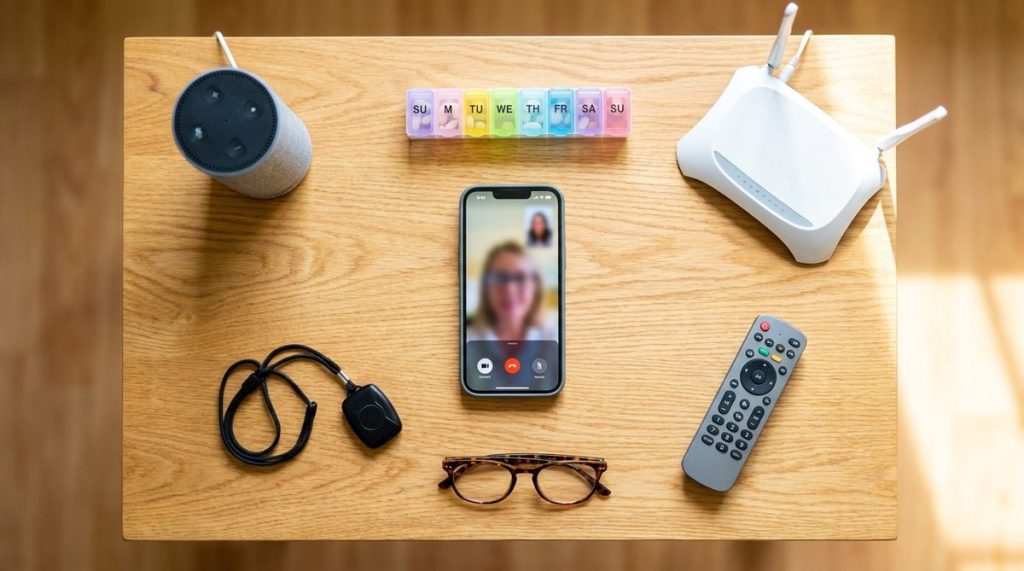
If you adopt only one piece of technology from this list, make it a smart speaker. Devices like the Amazon Echo and Google Nest Home have become remarkably useful for adults who want quick answers, timers, reminders, and entertainment without fumbling through menus on a tiny screen.
I often tell my readers that voice assistants are the single lowest-friction entry point into smart technology. You don’t need to type, swipe, or remember passwords. You just talk.
Practical Uses Worth Trying
- Set medication reminders by saying “Alexa, remind me to take my blood pressure pill at 8 a.m. every day.”
- Make hands-free phone calls to family—especially helpful if arthritis makes holding a phone uncomfortable.
- Listen to audiobooks, news briefings, or music without navigating apps.
- Control compatible smart lights, thermostats, and locks with simple voice commands.
- Ask health-related questions like “What’s the weather?” before deciding on outdoor plans.
A basic Amazon Echo Dot retails for around $35–$50, and the Google Nest Mini is in the same range. For the cost of a restaurant dinner, you get a device that genuinely makes daily life easier.
2. Video Calling to Fight Isolation—The Evidence Is Clear
Social isolation isn’t just lonely—it’s dangerous. The National Institute on Aging has linked chronic isolation to a 50% increased risk of dementia and a 29% increased risk of heart disease. Technology helps older adults stay independent in part by keeping them socially engaged, and video calling is the most direct tool for that.
Platforms like FaceTime, Zoom, and Google Meet have all simplified their interfaces since the pandemic. If you have an iPad or a smartphone made after 2020, you already have everything you need.
Tips for Getting Comfortable
- Start with one person you’re comfortable with and do a practice call. Get used to where the camera is and how to mute/unmute.
- Use a tablet rather than a phone—the larger screen makes faces easier to see and buttons easier to tap.
- Schedule a recurring weekly video call with a grandchild, sibling, or friend. Consistency builds confidence.
- Consider the Amazon Echo Show or Google Nest Hub Max if you want video calling without any apps—just say “Call Mom.”
A 2024 study published in the Journal of the American Geriatrics Society found that older adults who used video calling at least once a week showed a 23% lower rate of depressive symptoms compared to those who relied solely on phone calls. The face-to-face element matters.

3. Medication Management Apps That Actually Work
Medication non-adherence is a $528 billion problem in the U.S. healthcare system, and adults managing multiple prescriptions are the most affected. I’ve tested dozens of health apps over the years, and the medication reminder category has improved enormously.
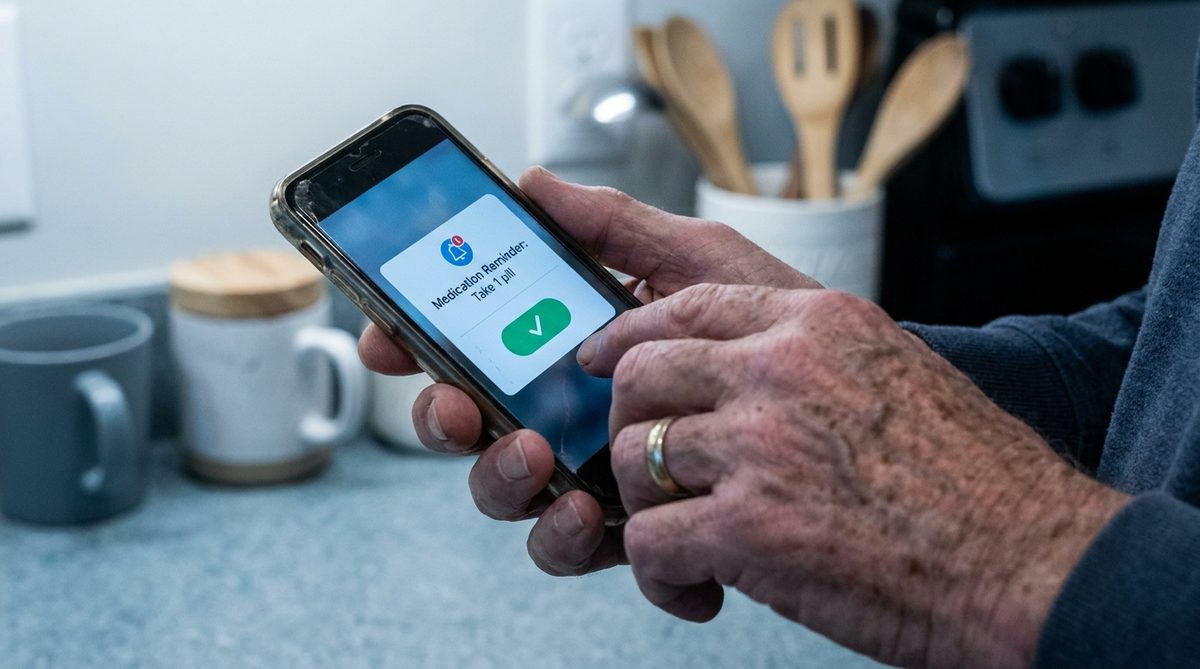
Apps like Medisafe (free, iOS and Android) send push notifications when it’s time to take a pill, track what you’ve taken, and even alert a family member if a dose is missed. CareZone is another solid option that lets you scan prescription labels to auto-fill medication details.
Why This Matters for Independence
Missing doses leads to hospital visits. Hospital visits lead to conversations about whether you can still live on your own. A $0 app on your phone can be the difference between managing your health confidently and losing that autonomy. For more on building routines that support long-term wellness, check out these healthy habits for aging well in your 60s, 70s, and beyond.
- Medisafe: Best for multiple medications with complex schedules.
- CareZone: Best for sharing medication lists with doctors or caregivers.
- MyTherapy: Best if you also want to track blood pressure, weight, or blood sugar alongside meds.
4. Smart Home Safety Devices That Go Beyond the Panic Button
The medical alert pendant your neighbor wore in 2005 has evolved into a sophisticated ecosystem. Today’s smart home safety technology helps older adults stay independent by detecting problems before they become emergencies.
Motion sensors from companies like Wyze and Ring can be placed in hallways and bathrooms to detect unusual inactivity—if you normally walk through the hallway by 9 a.m. and haven’t, a notification goes to a family member’s phone. Smart smoke and carbon monoxide detectors from Nest or First Alert send phone alerts even when you’re away from home or asleep.
Worth Considering
- Smart door locks (August or Schlage Encode) let you give a temporary code to a caregiver, neighbor, or emergency responder—no hidden key under the mat.
- Smart water leak sensors (under $20 from Govee) catch burst pipes before they cause thousands in damage. If you’re planning to set up your home to age in place, these small additions pay for themselves fast.
- Video doorbells let you see who’s at the door without getting up, which is both a convenience and a security feature.
According to Consumer Reports, the best-rated video doorbells in 2025 cost between $80 and $180 and require no professional installation. That’s a small investment for a device that deters porch pirates and lets you screen visitors safely.
5. Streaming Services: Entertainment That Adapts to You
Cable television costs the average American household about $125 per month. Streaming services like Netflix, Hulu, Amazon Prime Video, and YouTube TV typically range from $8 to $73 per month, with far more control over what you watch and when.
But the real independence benefit of streaming goes beyond cost. Closed captioning is built into every major platform and can be resized. Playback speed can be slowed down. Profiles can be customized so your recommendations don’t get cluttered by a visiting grandchild’s cartoon preferences.
Getting Started Without Overwhelm
- Pick one service first. If you like classic films and documentaries, start with Amazon Prime Video (often included if you already have Prime for shipping). If you want live TV without cable, try YouTube TV’s free trial.
- Use a streaming stick (Roku Express, about $30) if your TV isn’t a smart TV. Roku’s interface is consistently rated the simplest for first-time users by Tom’s Guide.
- Ask a family member to help with the initial setup—it usually takes under 15 minutes—and you’ll be self-sufficient after that.
I often remind readers that streaming isn’t just entertainment. YouTube alone hosts thousands of free chair yoga classes, cooking tutorials, and home repair walkthroughs specifically designed for older adults. It’s education and empowerment disguised as a TV app.
6. Staying Safe Online: Scam Prevention Is a Tech Skill
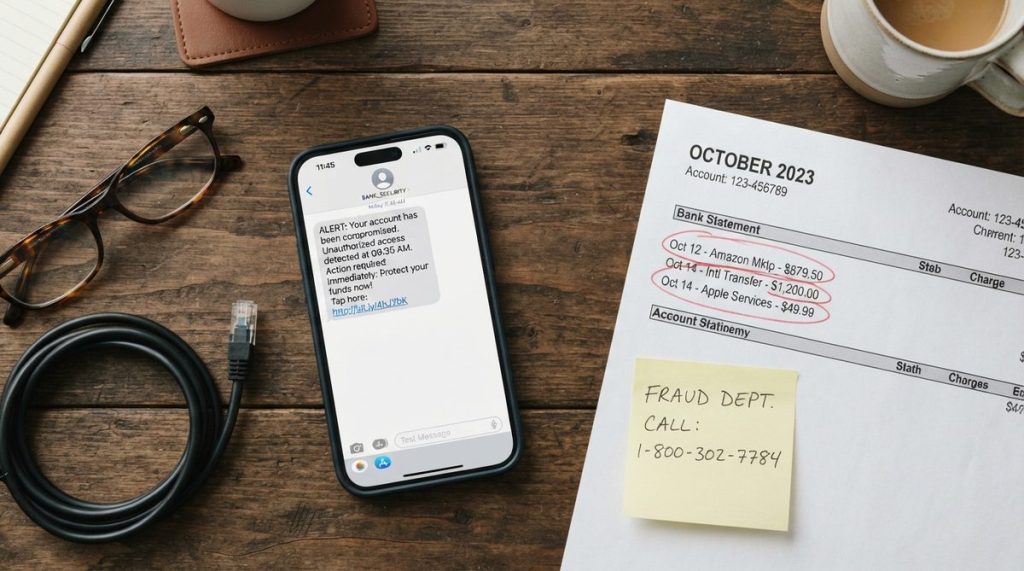
Here’s the part nobody enjoys talking about—but it’s critical. The FBI’s Internet Crime Complaint Center reported that Americans over 60 lost more than $3.4 billion to online fraud in 2023, a 11% increase over the previous year. The most common scams targeting this age group include tech support fraud, romance scams, investment schemes, and government impersonation.
Technology helps older adults stay independent only if it’s used safely. And safe use is a learnable skill, not an innate talent.
Six Red Flags That Signal a Scam
- An unsolicited call, text, or email that creates urgency (“Your account will be closed in 24 hours!”).
- Any request for payment via gift cards, wire transfers, or cryptocurrency.
- A pop-up on your computer claiming you have a virus and must call a number immediately.
- Someone you’ve never met in person asking for money—no matter how long you’ve been chatting online.
- A “government agent” threatening arrest unless you pay immediately. Real agencies like the IRS and Social Security Administration communicate by mail first.
- Requests for remote access to your computer from someone you didn’t call.
The Cybersecurity and Infrastructure Security Agency (CISA) offers free guides on recognizing phishing emails, securing your home Wi-Fi, and setting up two-factor authentication. Bookmark their site. For a deeper dive into protecting yourself, read our full guide on online scams targeting older adults.
Simple Protections That Take Five Minutes
- Enable two-factor authentication on your email and bank accounts. This sends a code to your phone whenever someone tries to log in, blocking unauthorized access even if your password is stolen.
- Use a password manager like 1Password or Bitwarden. You remember one master password; the app remembers the rest.
- Keep your phone and computer software updated. Those update notifications aren’t nagging you for fun—they patch security holes that scammers exploit.
7. Telehealth: See Your Doctor Without Leaving Home
The pandemic forced telehealth into the mainstream, and it’s staying. Medicare now covers a wide range of telehealth visits, and most major health systems offer patient portals where you can schedule virtual appointments, view lab results, message your doctor, and request prescription refills.
For adults managing chronic conditions—diabetes, hypertension, COPD—telehealth reduces the burden of frequent in-person visits without sacrificing quality of care. A 2024 analysis in JAMA Network Open found that telehealth follow-ups for chronic disease management had equivalent clinical outcomes to in-person visits for 87% of measured indicators.
Making Telehealth Work Smoothly
- Test your setup before your first appointment. Make sure your camera and microphone work, your internet connection is stable, and you know how to join the video call.
- Write down your questions in advance, just as you would for an office visit. Keep them visible on your screen or on a notepad next to your device.
- Ask the provider’s office if they offer a tech check or practice session for new telehealth users—many do.
- If your internet is unreliable, ask about phone-only telehealth visits. Medicare covers audio-only visits for many services.
Telehealth also creates a natural digital record. Every message you send through a patient portal, every appointment summary—it’s all documented and accessible. That’s a level of organization that paper-based systems rarely achieve, and it matters enormously when coordinating care between multiple specialists.
The Mindset Shift: Start Small, Build Confidence
In my experience covering technology for over a decade, the biggest barrier to adoption among adults 50 and over isn’t capability—it’s the assumption that you need to learn everything at once. You don’t. Pick one item from this list that solves a real problem in your life right now. Master that. Then move to the next.
Technology helps older adults stay independent when it’s adopted intentionally, not impulsively. A smart speaker today. A medication app next month. A video doorbell in the fall. Each addition layers onto the last, and within a year, you’ve built a personal ecosystem that supports your health, safety, and connection to the people who matter most.
The data supports this incremental approach. A 2024 University of Michigan study found that older adults who adopted one new technology tool every two to three months reported significantly higher digital confidence scores than those who attempted to learn multiple tools simultaneously. Confidence, it turns out, is cumulative.
You don’t need to become a tech expert. You need to become a tech user—someone who knows which buttons to press, which notifications to trust, and which messages to delete. That’s independence in the digital age, and it’s absolutely within your reach.
Frequently Asked Questions
What is the easiest technology for older adults to start with?
A voice-controlled smart speaker like the Amazon Echo Dot or Google Nest Mini is the easiest entry point. It requires no typing, swiping, or passwords—just speak your request. At $35–$50, it's affordable and immediately useful for reminders, phone calls, music, and controlling smart home devices.
How does technology help older adults stay independent at home?
Technology helps older adults stay independent by automating safety monitoring (smart sensors, video doorbells), simplifying health management (medication apps, telehealth), reducing isolation (video calling), and providing hands-free assistance (voice-controlled speakers). These tools address the most common reasons people lose independence—health emergencies, missed medications, social withdrawal, and security concerns.
Are telehealth visits covered by Medicare for seniors?
Yes, Medicare covers many telehealth visits, including follow-ups for chronic conditions, mental health counseling, and certain specialist consultations. Coverage expanded significantly after 2020, and both video and audio-only visits are included for many services. Check with your specific Medicare plan for detailed coverage information.
How can older adults protect themselves from online scams?
Enable two-factor authentication on email and banking accounts, use a password manager, keep software updated, and never send money via gift cards or wire transfers to someone you haven't met in person. The Cybersecurity and Infrastructure Security Agency (CISA) at cisa.gov offers free guides on recognizing phishing and securing your devices. If something feels urgent or threatening, pause and verify through official channels before responding.
About Alex Rivera, 12+ Years in Consumer Tech Reporting
Alex Rivera is a senior technology journalist with over 12 years of experience making technology accessible to everyday readers. He has covered consumer electronics, smartphones, smart home devices, streaming platforms, and digital privacy for major publications. At Daily Trends Now, Alex focuses on the tech that matters most to American adults — from choosing the right phone plan to protecting your data online. His reviews and guides cut through the jargon to help readers make confident technology decisions.