

Key Takeaways
- Smartphones can actively support cognitive health, with a 2024 study suggesting regular use may lower dementia risk by up to 64%.
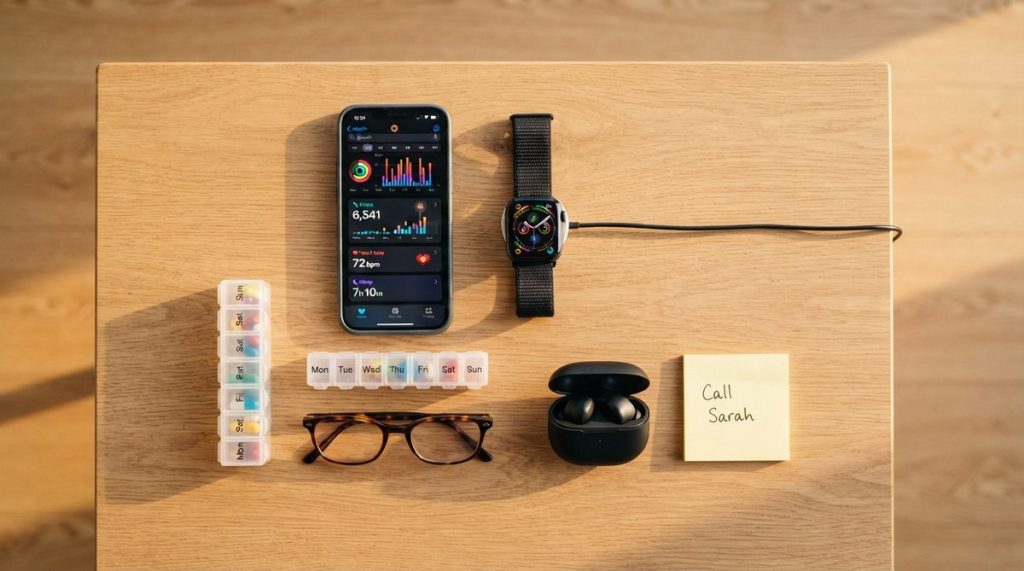
- Health-monitoring apps and wearables give older adults and their doctors real-time data that supports aging in place safely.
- Scammers stole over $4.8 billion from older adults in 2024, making smartphone security skills essential for independence.
- You don't need to master every feature — even using five or six key apps consistently can transform daily life after 50.
Why Smartphones Are Now a Lifeline for Adults Over 50
A decade ago, I’d meet readers at tech expos who told me they only used their smartphones to make calls. “That’s a $900 telephone,” I’d joke. But something has fundamentally shifted. According to the Pew Research Center’s 2024 data, 96% of Americans aged 50 to 64 now own a smartphone, and ownership among those 65 and older has climbed to 76% — up from just 18% in 2013.
The device in your pocket isn’t just a phone anymore. It’s a health monitor, a fraud shield, a connection to family, and — according to emerging research — possibly even a tool for protecting your brain. In my 12 years covering consumer technology, I’ve never seen a single device offer this much potential to help older adults stay independent.
What follows are seven specific, practical ways smartphones are making that independence possible. These aren’t abstract promises. They’re strategies you can start using this week.
1. Boost Your Brain Health by Staying Digitally Active
Here’s a headline that stopped me in my tracks: a peer-reviewed study published in the Journal of the American Geriatrics Society in late 2024 found that regular smartphone use among adults over 50 was associated with a 58% to 64% lower risk of developing dementia over the study’s follow-up period. The researchers tracked over 413,000 participants and controlled for variables like education, income, and pre-existing health conditions.
Now, correlation isn’t causation — the researchers are careful about that. But the hypothesis is compelling. Smartphones require you to navigate menus, read and process information, solve small problems, and engage socially. All of those activities exercise the cognitive functions that tend to decline with age.
What This Means for You
You don’t need to become a power user. Simply engaging with your phone in varied ways — texting grandchildren, reading news articles, playing word games, learning a new app — provides the kind of novel mental stimulation that researchers believe matters. I often tell my readers that the best brain exercise is the one you actually enjoy doing consistently.
- Try a daily crossword or Wordle through a free app
- Use your phone’s browser to look up one new topic each day
- Send voice messages to family members instead of just texting — it adds a social and technical layer
2. Monitor Your Health Without Leaving Home
Mobile health apps have matured dramatically. A 2024 analysis published in JMIR mHealth and uHealth found that older adults who used medication reminder apps improved their adherence rates by 20% to 30% compared to those relying on memory or pill organizers alone. For people managing chronic conditions like hypertension, diabetes, or heart disease, that improvement can be the difference between a stable year and an emergency room visit.
Wearables paired with smartphones — like the Apple Watch, Fitbit Charge 6, or Samsung Galaxy Watch — now track heart rhythm irregularities, blood oxygen levels, fall detection, and daily activity. The American Heart Association has endorsed the use of wearable-tracked activity data to help heart disease patients maintain exercise routines.
Apps Worth Exploring
- Medisafe — sends medication reminders and tracks adherence; free version is robust
- MyFitnessPal — monitors nutrition, which is critical for managing diabetes and heart health
- Apple Health or Samsung Health — already on your phone, aggregates data from wearables and manual entries
- Telehealth platforms (MyChart, Teladoc) — let you see your doctor via video without a 45-minute drive
If you’re exploring how to make your home safer for long-term independent living, technology is only one piece of the puzzle. Understanding what home modifications really cost in 2025 can help you budget for the physical changes your home may need alongside these digital tools.

3. Stay Connected to Family in Ways That Actually Feel Real
Isolation is a genuine health risk for older adults. The National Institute on Aging has linked chronic loneliness to higher rates of heart disease, depression, and cognitive decline. But what I see most often is that older adults don’t lack the desire to connect — they lack confidence in the tools.
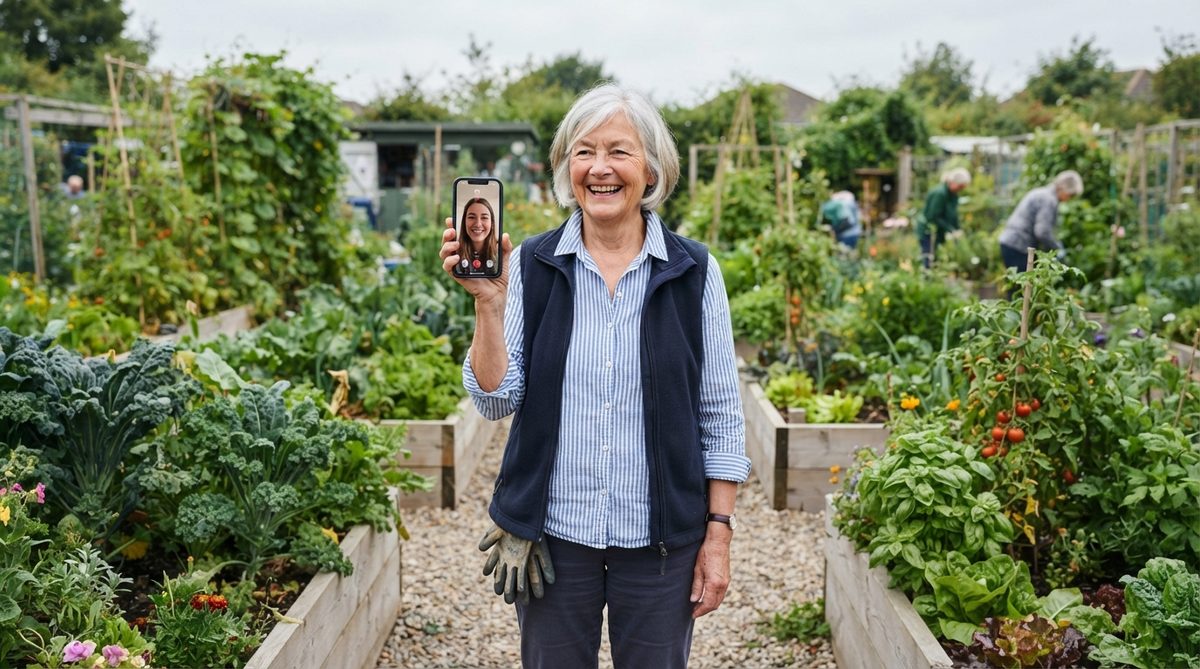
Video calling has become remarkably simple. FaceTime (iPhone) and Google Duo (Android) both work with a single tap once set up. And the payoff is enormous: a 2023 Stanford study found that older adults who video-called family at least twice a week reported 40% lower rates of loneliness compared to those who relied on phone calls alone.
Beyond Video Calls
Smartphones enable connection in ways that go far beyond talking face-to-face:
- Shared photo albums — Google Photos and Apple’s Shared Albums let you see grandchildren’s milestones in real time
- Family group chats — WhatsApp and iMessage groups keep everyone in one ongoing conversation
- Voice assistants — saying “Hey Siri, call my daughter” or “Hey Google, send a text to Michael” removes the typing barrier entirely
- Marco Polo — a video messaging app that lets you send short video clips that family members watch on their own time, eliminating scheduling conflicts
4. Protect Yourself From Scams That Target Your Age Group
This one matters more than most people realize. The FBI’s Internet Crime Complaint Center reported that in 2024, Americans over 60 lost more than $4.8 billion to fraud — a 43% increase from 2023. The most common attack vectors? Phone calls, text messages, and emails received on smartphones.
The irony is real: the same device that gives you independence can also be the door scammers walk through. But here’s what I’ve learned after covering cybersecurity for over a decade — the solution isn’t to avoid technology. It’s to learn three or four defensive habits that block 90% of attacks.
Your Essential Anti-Scam Toolkit
- Never tap links in unexpected texts — even if they claim to be from your bank, the IRS, or a delivery service. Go directly to the company’s app or website instead
- Enable two-factor authentication (2FA) on your email, banking, and social media accounts. This single step blocks most unauthorized access
- Use your phone’s built-in call screening — both iPhone (“Silence Unknown Callers”) and Android (“Call Screen” on Pixel, or third-party apps like Truecaller) can filter robocalls
- Keep your phone’s operating system updated — security patches are released monthly for a reason
The Cybersecurity & Infrastructure Security Agency (CISA) maintains a regularly updated list of current scam alerts and prevention tips specifically designed for non-technical users. I recommend bookmarking it.
Scam awareness goes beyond your phone. Many of the financial schemes targeting older adults exploit misunderstandings about benefits and savings. You’ll want to read about the 7 senior scam myths that put your money at real risk to shore up your defenses on the financial side too.
5. Manage Your Finances Securely From Anywhere
Mobile banking once felt risky. Now, it’s actually safer than many alternatives. Modern banking apps use biometric authentication (your fingerprint or face), encrypted connections, and real-time fraud alerts that paper statements and even desktop banking can’t match.
In my experience, the adults over 50 who adopt mobile banking don’t just gain convenience — they gain faster fraud detection. When you get an instant push notification every time your card is charged, you catch unauthorized transactions in minutes instead of weeks.
Getting Started Safely
- Download your bank’s official app only from the Apple App Store or Google Play Store — never from a link someone texts or emails you
- Set up biometric login (Face ID, fingerprint) so you don’t need to type passwords in public
- Enable transaction alerts for any charge over $1 — this catches small “test charges” scammers use before making larger withdrawals
- Use your phone’s built-in password manager (iCloud Keychain or Google Password Manager) to generate and store unique, strong passwords
The FTC’s consumer advice portal offers detailed, plain-language guides for reporting fraud and recovering from identity theft if you ever do encounter trouble.
Financial security also means understanding how your investments and benefits interact. If you’ve been parking money in high-yield CDs, you might be surprised to learn how 5% CDs are quietly raising your 2026 Medicare premiums.
6. Use Smart Home Features to Make Daily Life Easier
Your smartphone is the remote control for an entire ecosystem of devices that support independent living. What I find most exciting about this space in 2025 is how affordable and simple these tools have become.
A smart speaker like the Amazon Echo or Google Nest Hub can be set up in under 10 minutes and controlled entirely by voice. From there, your smartphone becomes the hub that ties everything together.
Practical Smart Home Wins
- Voice-activated reminders — “Alexa, remind me to take my blood pressure medication at 8 a.m.” works every single day without needing to touch your phone
- Smart lights — set them to turn on automatically at sunset so you never walk into a dark room (a leading cause of falls)
- Video doorbells — Ring and Google Nest doorbells let you see and speak to visitors from your phone without opening the door, which is both a convenience and a security measure
- Smart locks — grant temporary access codes to caregivers, cleaning services, or family members without hiding a key under the mat
- Medical alert integration — newer medical alert systems sync with smartphone apps, letting family members receive fall alerts and GPS location data
Consumer Reports publishes annually updated ratings for smart home devices with a focus on ease of setup, which I recommend checking before you buy anything.
7. Access Transportation and Services Without Relying on Others
One of the most tangible ways smartphones help older adults stay independent is by solving the transportation problem. When driving becomes less comfortable — whether due to night vision changes, medication side effects, or simply preference — ride-hailing apps fill the gap immediately.
Uber and Lyft both offer simplified interfaces for older users. Uber’s “Uber Comfort” option provides extra legroom and quiet rides, and both services allow a family member to set up and monitor rides remotely through the Family Profile feature. GoGoGrandparent is another service specifically designed for older adults who prefer to request rides via a simple phone call rather than an app.
Beyond Rides
- Grocery delivery — Instacart, Walmart+, and Amazon Fresh deliver to your door, and all three apps allow you to save recurring shopping lists
- Prescription delivery — CVS, Walgreens, and Amazon Pharmacy offer auto-refill and home delivery managed through their apps
- On-demand services — TaskRabbit connects you with vetted helpers for things like changing light bulbs, moving furniture, or tech setup
The ability to summon a ride, order groceries, and refill prescriptions from a single device in your hand — that’s not a luxury. For millions of older Americans, it’s the infrastructure of independence.
Getting Started Without Getting Overwhelmed
If you’ve read this far and feel a mix of inspiration and anxiety, that’s completely normal. In my 12 years of covering technology for everyday users, I’ve learned that the single biggest barrier isn’t complexity — it’s the fear of “breaking something.” You won’t. Modern smartphones are remarkably forgiving. You can undo almost anything with a tap or two.
My Recommended First Steps
- Pick one item from this list that solves a real problem in your life right now — medication tracking, scam protection, video calling — and focus only on that
- Ask for a guided setup — Apple Stores offer free one-on-one sessions for all ages, and many public libraries run weekly tech help programs
- Use accessibility features — increase text size (Settings > Display > Text Size), enable voice control, and turn on “Bold Text” to make everything easier to read
- Save the support number — Apple Support (1-800-275-2273) and Samsung Support (1-800-726-7864) both offer patient, step-by-step phone guidance
The data is clear, the tools are ready, and the benefits are real. Smartphones help older adults stay independent not by replacing human connection or professional care, but by extending your reach, sharpening your awareness, and keeping you in control of your own life. That’s a powerful thing — and you’re more than capable of making it work.
Frequently Asked Questions
Are smartphones really safe for online banking if you're over 60?
Yes — modern banking apps use encryption, biometric login, and real-time fraud alerts that make them more secure than paper statements or desktop browsers. The key is downloading apps only from official app stores, enabling two-factor authentication, and keeping your phone's operating system updated with the latest security patches.
Can using a smartphone actually help prevent dementia?
A large 2024 study published in the Journal of the American Geriatrics Society found that regular smartphone use among adults over 50 was associated with a 58% to 64% lower risk of developing dementia. While this is a correlation and not confirmed causation, researchers believe the varied mental engagement — navigation, reading, problem-solving, and socializing — provides beneficial cognitive stimulation.
What's the easiest first step for an older adult who wants to start using their smartphone for more than calls?
Start with one specific goal that solves a real daily problem, such as setting up a medication reminder app like Medisafe or learning to video-call family with FaceTime or Google Duo. Apple Stores offer free personal setup sessions, and most public libraries provide weekly tech help for seniors, so you don't have to figure it out alone.
About Alex Rivera, 12+ Years in Consumer Tech Reporting
Alex Rivera is a senior technology journalist with over 12 years of experience making technology accessible to everyday readers. He has covered consumer electronics, smartphones, smart home devices, streaming platforms, and digital privacy for major publications. At Daily Trends Now, Alex focuses on the tech that matters most to American adults — from choosing the right phone plan to protecting your data online. His reviews and guides cut through the jargon to help readers make confident technology decisions.