

Why AI-Powered Scams Are the Biggest Threat Older Adults Face in 2026
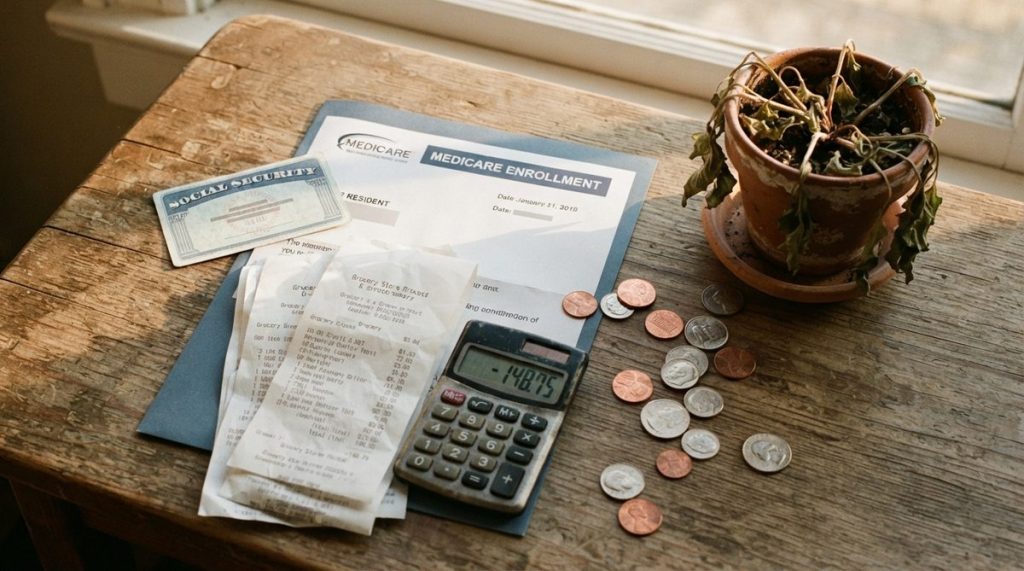
In 2024, Americans over 60 lost more than $4.8 billion to fraud, according to the FBI’s Internet Crime Complaint Center — a staggering 43% increase from the year before. And in my 14 years working in cybersecurity and digital privacy research, I’ve never seen the threat landscape shift as quickly as it has in the past 18 months. The reason? Artificial intelligence.
Elder fraud rises as scammers use AI to clone voices, generate convincing deepfake videos, and craft phishing emails that no longer contain the telltale typos and awkward grammar we once relied on to spot them. These aren’t the clumsy Nigerian prince emails of a decade ago. Today’s AI-powered scams are sophisticated, personalized, and devastatingly effective.
But here’s the good news: you don’t need a computer science degree to protect yourself. What I see most often in my practice is that awareness plus a few concrete habits can block the vast majority of these attacks. This guide will walk you through exactly what to do — step by step.
How AI Changed the Scam Playbook
Before we get into protection strategies, it helps to understand what you’re up against. AI has given criminals three powerful new weapons, and each one targets the trust and communication patterns that older adults rely on most.
Voice Cloning: “Grandma, I Need Help”
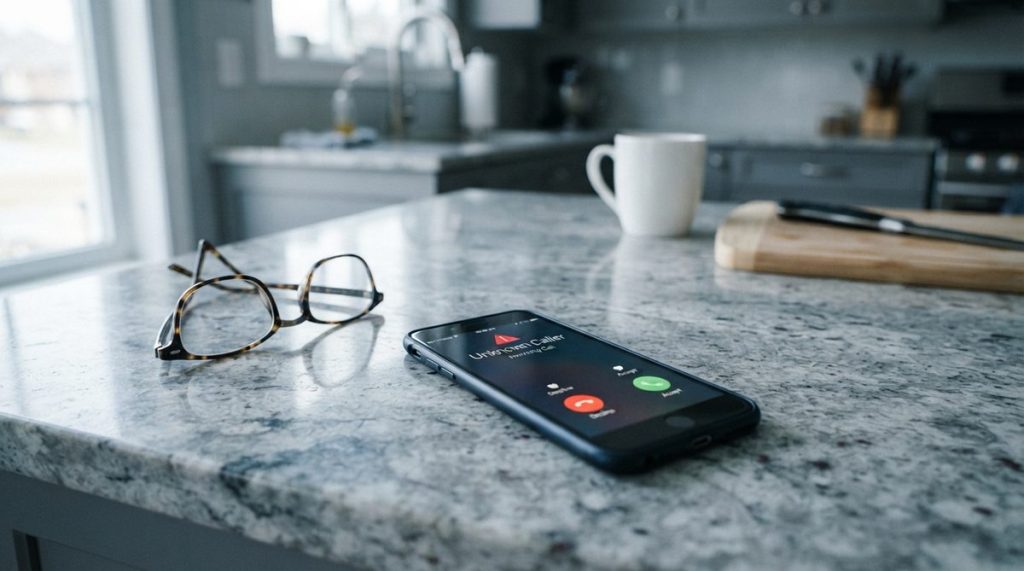
With just three seconds of audio — pulled from a voicemail greeting, a Facebook video, or a church livestream — AI can clone someone’s voice with unsettling accuracy. The FTC reported that “grandparent scams” using cloned voices surged 350% between 2023 and 2025. The caller sounds exactly like your grandchild, your son, or your best friend, and they’re begging for emergency money.
I once consulted on a case where a 72-year-old retired teacher wired $9,200 to scammers who perfectly mimicked her grandson’s voice, complete with his specific speech patterns. The audio source? A 12-second TikTok clip.
Deepfake Video Calls
Real-time deepfake technology now allows scammers to impersonate bank representatives, government officials, or even family members on video calls. In early 2025, a finance worker in Hong Kong was tricked into transferring $25 million after a video call with AI-generated replicas of his colleagues. Consumer-grade versions of this technology are now available for under $20 a month.
AI-Written Phishing Messages
Large language models can generate thousands of unique, grammatically flawless phishing emails in seconds. These messages reference real events, use your actual name, and mimic the writing style of legitimate institutions. The old advice to “look for spelling errors” is no longer sufficient.
The 5 Most Common AI Scams Targeting Older Adults
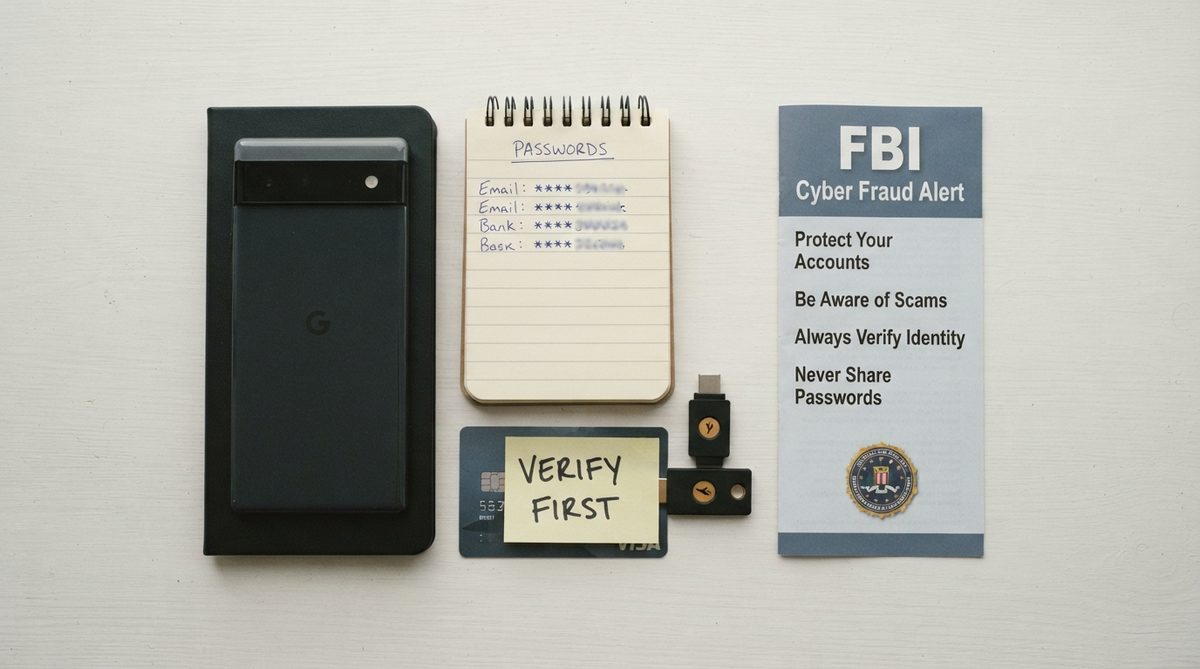
Understanding the specific schemes circulating right now gives you a practical edge. Here are the fraud types I’m seeing most frequently in 2026, based on FBI data and my own research:
| Scam Type | How AI Is Used | Average Loss Per Victim | Primary Contact Method |
|---|---|---|---|
| Grandparent / Family Emergency | Voice cloning of a relative | $9,000 – $15,000 | Phone call |
| Tech Support Fraud | AI chatbots mimic Microsoft/Apple reps | $2,000 – $5,000 | Pop-up alert + phone |
| Romance / Companionship | Deepfake photos and video chats | $25,000 – $75,000 | Dating apps, Facebook |
| Investment / Cryptocurrency | AI-generated fake testimonials and websites | $50,000 – $150,000 | Social media ads, email |
| Government Impersonation | Cloned voices of IRS/SSA officials | $3,000 – $10,000 | Phone call, text message |
The financial devastation from these scams extends far beyond the immediate loss. For older adults on fixed incomes, losing even a few thousand dollars can destabilize retirement plans. If you’re already concerned about making your savings last, our guide on how far $1 million goes in 2026 shows just how tight margins have become — which makes protecting every dollar even more critical.
7 Steps to Protect Yourself from AI-Powered Fraud
I often tell my clients that cybersecurity isn’t about being perfect — it’s about being a harder target than the next person. Scammers are running volume operations. If you put up even modest barriers, most of them will move on. Here’s your action plan:
-
Create a Family “Code Word” System
This is my number one recommendation, and it costs nothing. Choose a secret word or phrase that only your immediate family knows — something that would never appear on social media. Mine is a nonsense phrase from a family vacation 20 years ago. If anyone calls claiming to be a relative in distress, ask for the code word before taking any action.
Pro tip: Don’t use pet names, birthdays, or anything posted online. Change the code word every six months. Write it on a card in your wallet — not in your phone.
-
Adopt the “Hang Up and Call Back” Rule
No matter how real a caller sounds, hang up and call the person directly using a number you already have saved in your contacts. AI voice clones are convincing in real-time conversation, but they can’t answer an outgoing call you initiate to the real person’s actual phone number.
This one habit alone would have prevented over 60% of the voice-cloning scam cases I’ve reviewed. It feels rude to hang up. Do it anyway. Anyone who genuinely needs your help will understand.
-
Enable Two-Factor Authentication (2FA) on Every Financial Account
Two-factor authentication adds a second layer of security beyond your password — typically a code sent to your phone or generated by an app. Even if a scammer steals your password through a phishing attack, they can’t access your account without that second code.
Here’s how to set it up on most bank and email accounts:
- Go to your account’s Security Settings (usually under “Settings” → “Security” or “Privacy”)
- Look for “Two-Factor Authentication,” “2-Step Verification,” or “MFA”
- Choose “Authenticator App” (like Google Authenticator or Authy) over SMS when possible — text messages can be intercepted
- Follow the on-screen instructions to link your phone
- Save the backup codes in a secure physical location — a locked drawer, not a digital file
The Cybersecurity & Infrastructure Security Agency (CISA) calls 2FA “the single most effective step” consumers can take to protect online accounts. I agree completely.
-
Freeze Your Credit — Today
A credit freeze prevents anyone from opening new accounts in your name, even if they have your Social Security number. It’s free, it takes about 10 minutes per bureau, and it doesn’t affect your existing credit cards or credit score.
Contact each of the three bureaus directly:
- Equifax: 1-800-349-9960 or equifax.com
- Experian: 1-888-397-3742 or experian.com
- TransFusion: 1-888-909-8872 or transunion.com
When you legitimately need to apply for credit (a new card, a car loan), you can temporarily lift the freeze with a PIN. I keep my credit frozen at all times and only unfreeze it for the specific bureau a lender uses.
-
Verify Before You Click — Every Time
AI-generated phishing emails now look identical to real messages from your bank, Medicare, or the Social Security Administration. Before clicking any link in an email or text, do this:
- Hover over the link (on a computer) or long-press it (on a phone) to preview the actual URL
- Look for subtle misspellings: “bankofamer1ca.com” instead of “bankofamerica.com”
- When in doubt, open a new browser tab and type the organization’s website address manually
- Never call a phone number provided in a suspicious message — look up the official number independently
The FTC’s consumer website maintains an updated database of reported scam messages you can cross-reference if something seems off.
-
Lock Down Your Social Media Privacy Settings
Remember: every photo, video, and personal detail you share publicly is potential ammunition for AI scams. Voice cloning needs audio. Deepfakes need images. Social engineering needs personal details like your grandchildren’s names, your church, or your travel plans.
On Facebook specifically:
- Go to Settings → Privacy and set “Who can see your future posts?” to “Friends”
- Under Profile and Tagging, enable review of tags before they appear on your timeline
- Set your Friends List to “Only Me” — scammers use this to identify and impersonate your contacts
- Avoid posting videos with clear audio of yourself speaking — this is voice-cloning gold
I realize this feels limiting, especially if you enjoy sharing family photos. You can still share with people you trust — just make sure those posts aren’t visible to the entire internet.
-
Install a Call-Screening App and Use Your Phone’s Built-In Protections
Both iPhone and Android now offer robust scam call detection. On iPhone, enable “Silence Unknown Callers” under Settings → Phone. On Android, Google’s Phone app has a built-in “Caller ID & spam” filter that screens suspicious calls in real time.
For additional protection, Consumer Reports recommends apps like Truecaller or Nomorobo, which maintain databases of known scam numbers and can block them automatically. Many are free for basic use.

What to Do If You Think You’ve Been Scammed
Speed matters. If you suspect you’ve fallen victim to a scam — or even if you’re just unsure — take these actions within the first 24 hours:
Contact Your Bank or Credit Card Company Immediately
Call the number on the back of your card (not any number a scammer provided). Request a freeze on your accounts and dispute any unauthorized transactions. Many banks can reverse wire transfers if you report them within 24 to 72 hours.
File Reports
Report the scam to the FBI’s Internet Crime Complaint Center at ic3.gov and to the FTC at reportfraud.ftc.gov. These reports help law enforcement track patterns and sometimes lead to fund recovery. In 2024, the FBI’s Recovery Asset Team successfully froze over $500 million in fraudulent transfers.
Alert Your Family
Shame is the scammer’s best friend. Many older adults don’t report fraud because they’re embarrassed. But alerting your family immediately can prevent the scammer from targeting other relatives using information they gathered from you. There’s no shame in being targeted — these criminals are professionals using military-grade technology.
For a deeper dive into the evolving tactics scammers are using this year, including AI-generated fake legal documents and government notices, take a look at our detailed report on how elder fraud rises as scammers use AI.
Building Long-Term Digital Resilience
Protection isn’t a one-time setup. It’s an ongoing practice, like locking your doors every night. Here are habits I recommend building into your monthly routine:
Monthly Security Check-In (15 Minutes)
Set a recurring calendar reminder — the first of every month works well — to do a quick security audit:
- Review your bank and credit card statements for unfamiliar charges
- Check your credit report for any accounts you didn’t open (annualcreditreport.com provides free weekly reports)
- Update any passwords that are older than six months
- Delete any apps you no longer use — unused apps are often entry points for hackers
Stay Informed Without Getting Overwhelmed
You don’t need to become a cybersecurity expert. But subscribing to one or two trusted sources — like CISA’s email alerts or AARP’s technology section — keeps you aware of new scam types as they emerge. Knowledge is your most powerful firewall.
Technology as a Tool for Independence, Not Fear
I want to be clear about something: the goal of this guide isn’t to make you afraid of technology. Quite the opposite. Smartphones, smart home devices, and online services can be extraordinary tools for maintaining independence and connection as you age. The key is using them with the same practical caution you’d apply to any other aspect of your life.
Smart home technology, in particular, is transforming how people age safely and comfortably. If you’re exploring how to make your living space work better for you, our guide on setting up your home to age in place for under $1,500 shows how affordable and accessible these tools have become.
A Word About Smartphone Use and Mental Health
Recent research from a 2025 study published in the journal Cyberpsychology, Behavior, and Social Networking found that compulsive smartphone use — not just regular use, but compulsive, habitual checking — is linked to higher depression risk in older adults. This doesn’t mean your phone is dangerous. It means that, like anything, balance matters.
Use your phone intentionally: to video-call your grandchildren, to manage your health, to stay informed. But if you find yourself scrolling for hours out of habit rather than purpose, that’s worth noticing. Set screen time limits in your phone’s settings (iPhone: Settings → Screen Time; Android: Settings → Digital Wellbeing) and see if it changes how you feel.
You’re More Capable Than Scammers Think
Criminals target older adults not because of any lack of intelligence, but because this demographic controls significant wealth and tends to be more trusting and polite on the phone — qualities that are, in every other context, virtues. The average older adult targeted by fraud has a net worth well above the national median. Scammers follow the money.
But I’ve watched countless clients in their 60s, 70s, and 80s transform from uncertain technology users into confident, security-aware digital citizens. It doesn’t require technical genius. It requires the same common sense you’ve applied to decades of life experience — just pointed in a new direction.
Start with steps one and two from the list above — the family code word and the hang-up-and-call-back rule. Those two habits alone will protect you from the majority of AI voice scams circulating today. Then work through the rest at your own pace. Each step you take makes you exponentially harder to victimize.
The scammers are counting on you to feel overwhelmed and do nothing. Prove them wrong.
About Dr. Priya Sharma, PhD in Computer Science, CISSP
Dr. Priya Sharma is a cybersecurity expert with a PhD in Computer Science and a Certified Information Systems Security Professional (CISSP) credential. She has spent 14 years researching digital privacy, online fraud, and data protection — with a particular focus on the risks facing older internet users. At Daily Trends Now, Dr. Sharma writes about online scams, password security, smartphone privacy, and the practical steps readers can take to stay safe in an increasingly connected world.